There’s lots of new stuff for the ZX81 hobbyist this month! Several issues back, I mentioned the LARKEN Disk system. Well, IT’S READY!!!
NEW ZX81/TS1000 DISK SYSTEM
The timing of this is rather interesting, since I’ve had my AERCO system for awhile and reviewed it (the AERCO) last issue. A couple weeks ago, I got a phone call from Larry Kenny (the man behind Larken Electronics), announcing that his controller & ZX/LDOS is now available. Although I haven’t ordered mine yet, Larry gave me a thorough description of the system over the phone, so I’ll try to relate the pertinent details accurately.
First, the address: LARKEN ELECTRONICS, R.R.#2, NAVAN, ONT., CANADA K4B 1H9.
The price? $120.00 CAN + $4.00 shipping for Canadian orders. U.S. customers pay U.S.$95.00 + $6.00 shipping.
That’s right, for a lousy hundred of Uncle Sam’s smackers, you’ve got a FDC and DOS for virtually HALF the price of either the AERCO or COMPUSA systems! This may fit the budget of many ZX enthusiasts who have been put off by the relatively steep prices for AERCO or COMPUSA systems.
What about the DOS?? Well, you may have been wondering why I’m so excited about the LARKEN when I already have an AERCO Disk system. The ZX-LDOS makes the AERCO DOS seem shamefully incomplete and primitive. It is, indeed somewhat more powerful than the COMPUSA DOS.
Larken’s 2068/Spectrum DD system has been available for several months, and seems to have received almost universally good reviews, especially in terms of value per dollar (same price as ZX system). The ZX-LDOS provides commands identical to the 2068 version, with a single USR entry.
Commands include DIRECTORY, FORMAT, LOAD, SAVE, DELETE, COPY, EXIT, MOVE*, and BADBLOCKS* (I’m not dead sure about the last 2, as they are in an expanded version of the 2068 LDOS). PROGRAMS with variables, DATA (specified variables or arrays), and blocks of CODE may be saved and loaded.
Up to 54 files may be stored on one disk. The disk format is identical to the 2068 version, so CODE files saved on a 2068 may be loaded by a ZX81, or vice versa!!
The Directory is automatic, and disk space is allocated dynamically. If you DELETE a short program or file, a longer file saved next will fill in the short empty space, then continue in the next available space. Programs are auto-verified and recorded with a checksum. If a loaded file has a bad checksum, the DOS will try reloading the file 10 times before giving up.
The LARKEN controller card has 2K onboard buffer RAM mapped at 12K-14K, with the actual DOS in a 2K EPROM at 14K-16K. The Disk I/O port addresses don’t conflict with any other hardware peripherals that I know of.
This all has me itching to get the Larken DOS and relegate the AERCO to my “second” computer. For little over $100, I can upgrade to LDOS, since it is compatible with the DSDD drives and power supplies I already have for the AERCO.
XMODEM UPDATES
Since receiving my 2050 modem(s) from Dave Clifford Associates, I have had some fun accessing bulletin boards, and swapping text files with friends who use IBMs (there’s no accounting for taste!) among other things, and have made some observations I’d like to share.
First, the modem seems to be prone to bus loading problems on certain machines. I tried using the modem on my main ZX81-based computer with JLO motherboard & fullsize keyboard, with little success. I couldn’t get the modem to acknowledge any incoming signal.
The same modem, connected to a TS1500 worked fine immediately. It also worked fine on another unmodified ZX81 with a Hunter Board and Memotech 64K ram attached. I have heard other reports of the 2050 not working with ZX81s with fullsize keyboard wiring added. Comments, anyone??
That shielded ribbon cable and the ferrite beads all look suspicious to me. I have had previous “bad experiences” with ribbon cable hookups. My plan is to mount a small male edge connector right on the 2050 board at its’ connector area, connected with short wirewrap jumpers. Then the modem card can (vertically) plug right into my JLO motherboard, eliminating the whole ribbon cable ordeal. I’ll keep you posted on how this works.
A further noteworthy point is that although the 2050 modem and the JLO Video Upgrade don’t directly conflict over port addresses, the JLO Video Board “A” seems to need additional decoding: running Mini XMODEM put sprites up on my screen! Speaking of port conflicts, the other big “no-no combo” is the JLO Video Upgrade and the AERCO CPI. The AERCO CPI and JLO fight directly over use of port 7F, so cannot be used together.
On the software side, I’ve made a few observations on Mini XMODEM 1.7. The manual I received claims to apply to both the 1.5 and 1.7 versions of Xmodem, however ambiguities seem to abound. First of all, the addresses given for changing word parameters are wrong. I found that the correct data addresses are 14790 in the “24K” version, and 31174 in the 16K version (Westridge), for setting data bits, stop & parity.
On experimenting with some XMODEM up/downloading, I discovered some interesting things. First, even if you have 64K RAM attached (thus theoretically about 47K available for downloading), the program will only download a 15K file. I plan to take a peek around with HOT Z to try and patch in a fix for this.
After downloading a 3.5K long ASCII text file from a friend’s PC clone, I sent it back to him to verify our setup. The Mini XMODEM program didn’t stop uploading at the end-of-file marker: it sent the entire file buffer (the desired 3.5K of text plus 11.5K of ASCII Back Spaces (!!). Further testing revealed that Mini Xmodem seems to send “all it’s got”, every time. This is wasteful of phone time.
Another idiosyncracy seems to be that no choice is provided for specifying ASCII or SINCLAIR codes when uploading a file. Exchanging XMODEM downloaded files is no problem. But when I simply received a text file in terminal mode (with SAVE TOGGLE on), and then uploaded it back to the sender, he received it as a SINCLAIR file. Rather unreadable on an IBM PC. These considerations aside, Mini XMODEM still impresses me as a powerful piece of communications software. I hope to relocate the low memory version to run at $2000-$2E00 instead of at $3300-$3F40, which conflicts with AERCO, COMPUSA, and LARKEN DOS’s, and perhaps even write in a DOS access which would permit one to save a full buffer to disk without going offline.
If ANYONE has any related comments, answers, suggestions, questions, etc. relating to the Westridge 2050/ Mini Xmodem 1.7 aspects related above, please get in contact with me in care of the club. I’d really like to hear from you.
SILICON MOUNTAIN COMPUTERS
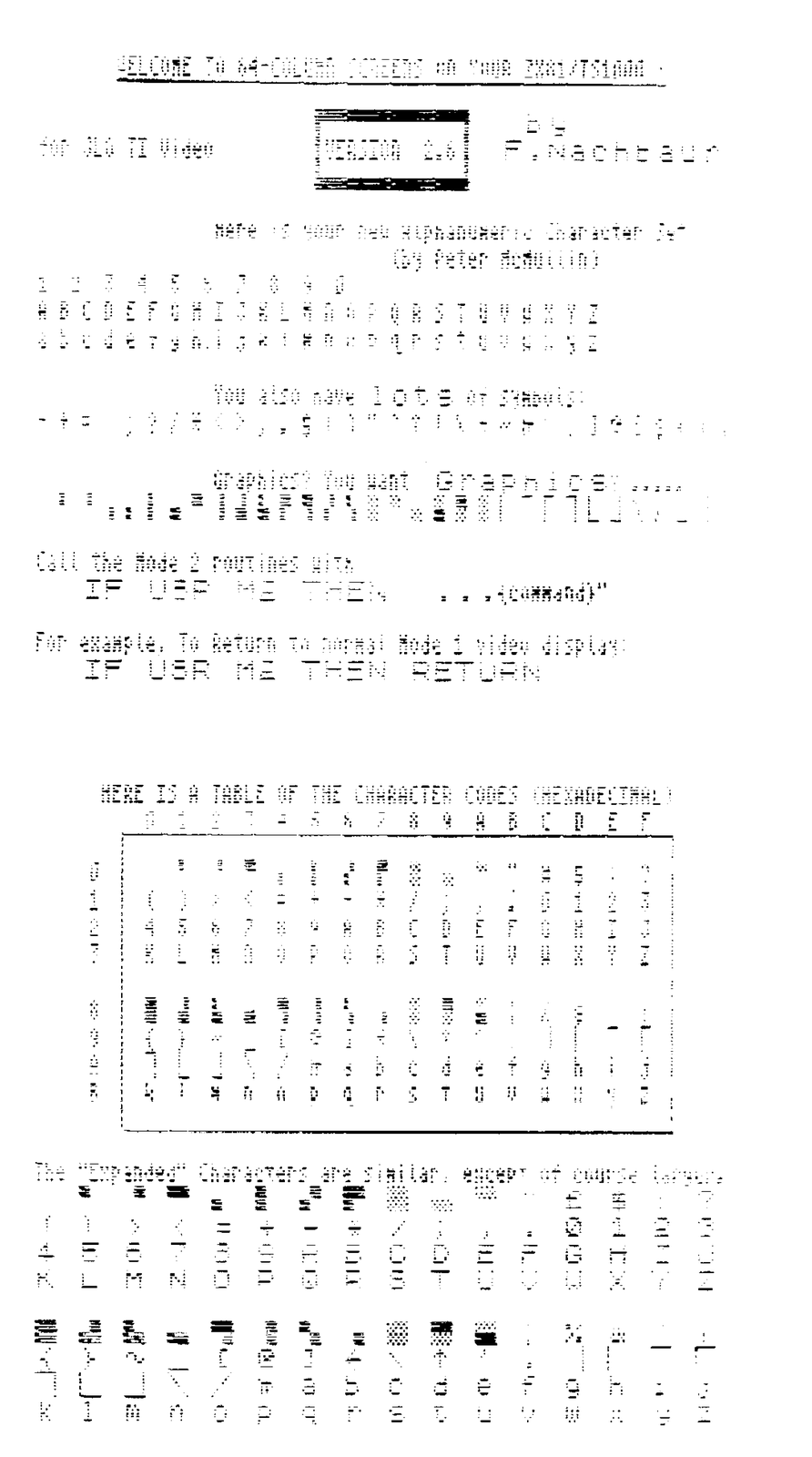
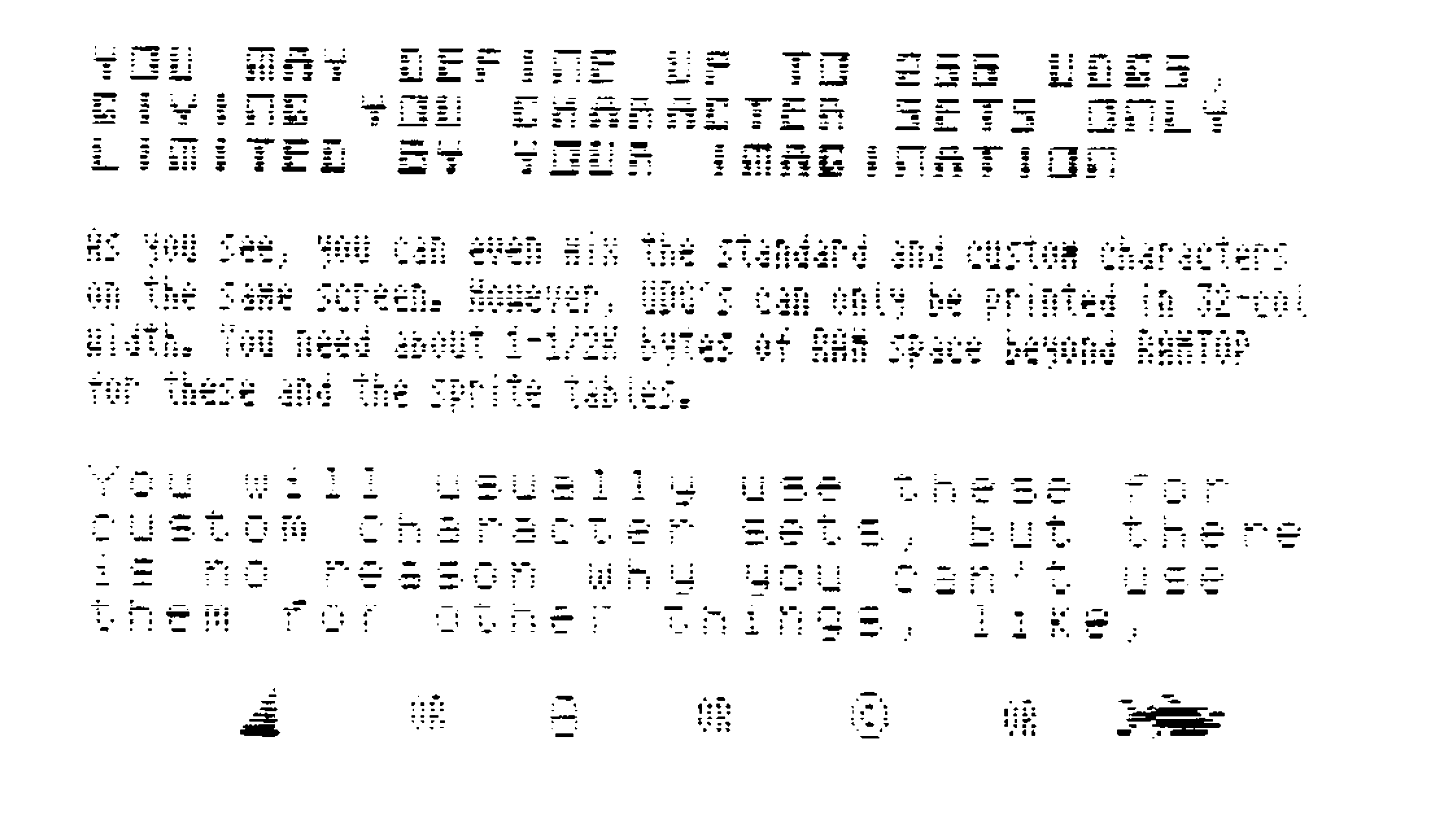
Fred Nachbaur has been hard at work writing some fancy software for the ZX81/TS1000 with the JLO VIDEO UPGRADE. Now available is JOBASIC: a relocatable 4K extended BASIC interpreter for use with the Video Upgrade. JOBASIC provides 64 column screens, 256*192 plot, draw, and circle commands, up to 256 UDGs plus 128 printable characters plus their inverses, 32 sprites, 15 colours, 32*192 colour resolution, full 2040 printer support. Fred is providing a service called JOBASIC EXCHANGE, an applications & programs forum for JOBASIC users.
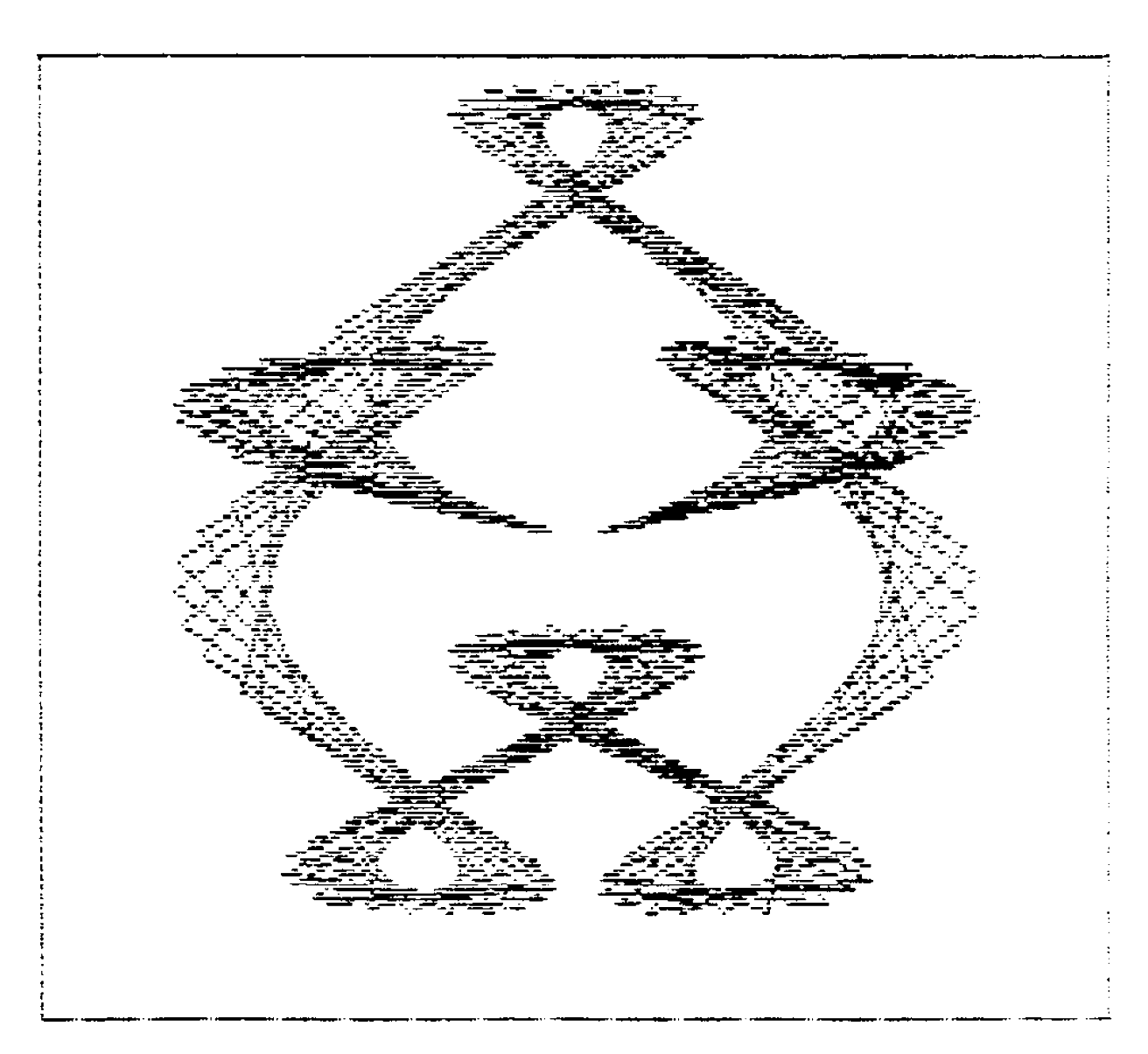
Graphics fanciers: JO-MANDELBROT, a version of the program for plotting Mandelbrot Sets* so popular on the Amiga, is now available. (*See A.K. DEWDNEY, in SCIENTIFIC AMERICAN, AUG. 85.) A FRACTALS implementation has also been written for JOBASIC. Both these programs provide hi res graphics with 8 times the vertical colour resolution that can be attained on the 2068!
For more information about these programs, as well as several tape/disk versions of Memotext, including a 64 column screen version for the Video Upgrade, Video EPROM improvements, and several unique products for the ZX81, write to Fred Nachbaur, c/o SILICON MOUNTAIN COMPUTERS, MTN. STN. GROUP BOX C12, NELSON, BC, CANADA V1L 5P1.
Rather than give a more detailed description of JOBASIC’s capabilities, here are some 2040 screendumps from the DEMO program provided with JOBASIC. Although they show the pixel definition of the screen, it’s a shame you can’t see the colours! See you next time.