
Most programmers don’t give menus much thought. After all, menus are just a way to get the user where he wants to go, aren’t they? Definitely not!
Years of system design, analysis, and programming have taught me that good, well designed, eye appealing, user-friendly menus are one of the single most important contributions to developing a system which will please the users. Remember, if the system pleases the users then the system will be a success. No matter how efficiently a system operates, if the users do not like to use it, it will not be utilized or appreciated.
One of the simplest and most eye-appealing menu styles is the light-bar menu. A light-bar menu uses a moving bar to highlight a menu selection. The bar is controlled by the cursor keys. When the user has highlighted the desired selection, a carriage return is pressed and processing shifts to the selected option.
This menu style is currently very popular for use on mainframe and mini-computer systems. Until very recently, the light-bar menu was not often seen on microcomputer systems. But this has changed recently. As a result of faster processing speeds, todays micros are often equipped with the graphics capabilities to handle such tasks. As an example, I recently designed a system to computerize the personnel department of a large aerospace firm. The system runs on a network of IBM PCs using the Dbase III+ DBMS. By using compiled code, I was able to achieve an execution speed which enabled me to specify light-bar menus. These “snazzy” menus were a definite plus as far as the users were concerned, and made a big contribution to the overall success of the project.
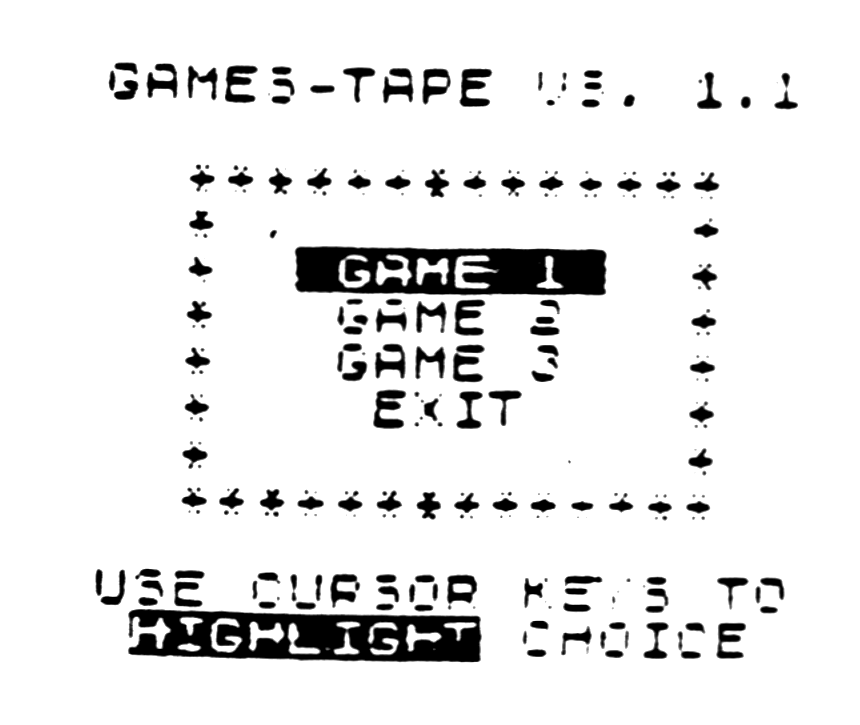
Because of its inverse graphics capabilities, the ZX81 can be made to simulate the light-bar menu style very handily. Here is a simple menu which will illustrate the concept. Enter the program into your ZX81, and then save it to tape (for use in future programming ventures). Note that in lines 190-220 the B$ values are the same as the A$ values but in graphics (inverse) mode. Now run the program.
The menu will initialize with the first selection (GAME 1) “highlighted”. Use the unshifted 6 and 7 keys to move the “light bar” (dark-bar?) through the selections. Keying newline will cause the program to execute the highlighted selection. Notice the wrap-around feature at the top and bottom of the menu (handled by the “outofbounds” sections).
By replacing the “HERE AT GAME #” routines with actual short games, you can create an entertaining program for the kids (line # 430 could be changed to 1000*X to give more room for coding). By using a 64k rampack, you could replace them with a series of useful home accounting routines, or maybe a series of more complicated games (for the bigger “kids” around the house). Additional selections can be added by dimensioning larger arrays and changing the appropriate PRINT AT statements.
Comments and questions are welcomed. Send them to:
Edward Snow
[address omitted]
Orlando, Florida 32825
  10 REM *** LIGHT-BAR MENU ***
  20 REM WRITTEN 6/7/88 BY
  30 REM  ED SNOW
  35 REM
  40 REM *INITIALIZE VARIABLES*
  50 LET X=5
  60 LET Y=1
  70 LET DISPLAY=230
  80 LET AGAIN=400
  90 LET DOWN=480
 100 LET UP=550
 110 LET OUTOFBOUNDSUP=680
 120 LET OUTOFBOUNDSDOWN=620
 130 DIM A$(4,8)
 140 DIM B$(4,8)
 150 LET A$(1)=" GAME 1 "
 160 LET A$(2)=" GAME 2 "
 170 LET A$(3)=" GAME 3 "
 180 LET A$(4)="  E[illegible]IT  "
 190 LET B$(1)="\::GAME\::1\::"
 200 LET B$(2)="\::[illegible]AME\::2\::"
 210 LET B$(3)="\::[illegible]AME\::[illegible]\::"
 220 LET B$(4)="\::\::E[illegible]IT\::\::"
 225 REM
 230 REM ***** DISPLAY *****
 240 CLS
 250 FAST
 260 LET X=5
 270 LET Y=1
 280 PRINT AT 1,6,"GAMES-TAPE VS. 1.1"
 290 PRINT AT 3,8,"**************"
 300 PRINT AT 4,8;"*            *"
 310 PRINT AT 5,8,"*"[illegible]AT 5,11;B$(1)[illegible]AT 5,21[illegible]"*"
 320 PRINT AT 6,8,"*";AT 6,11,A$(2)[illegible]AT 6[illegible]21[illegible]"*"
 330 PRINT AT 7,8;"*",AT 7,11;A$(3)[illegible]AT 7[illegible]21[illegible]"*"
 340 PRINT AT 8,8;"*";AT 8,11,A$(4)[illegible]AT 8,21[illegible]"*"
 350 PRINT AT 9,8,"*            *"
 360 PRINT AT 10,8[illegible]"**************"
 370 PRINT AT 12,6;"USE CURSOR KE[illegible]S TO"
 380 PRINT AT 13,7;"HIGHLIGHT CHOICE"
 390 SLOW
 395 REM
 400 REM ***** AGAIN *****
 410 IF INKEY$="" THEN GOTO AGAIN
 420 REM BAR MOVEMENT ROUTINE
 430 IF INKEY$=CHR$ (118) THEN GOTO (200*X)
 440 IF INKEY$=CHR$ (34) THEN GOTO DOWN
 450 IF INKEY$=CHR$ (35) THEN GOTO UP
 460 GOTO AGAIN
 470 REM
 480 REM **** DOWN ****
 490 LET X=X+1
 500 LET Y=Y+1
 510 IF X=9 THEN GOTO OUTOFBOUNDSDOWN
 520 PRINT AT X,11;B$(Y)
 530 PRINT AT X-1,11;A$(Y-1)
 540 GOTO AGAIN
 545 REM
 550 REM ***** UP *****
 560 LET X=X-1
 570 LET Y=Y-1
 580 IF X=4 THEN GOTO OUTOFBOUNDSUP
 590 PRINT AT X,11;B$(Y)
 600 PRINT AT X+1,11;A$(Y+1)
 610 GOTO AGAIN
 615 REM
 620 REM *** OUTOFBOUNDSDOWN ***
 630 PRINT AT 8,11;A$(4)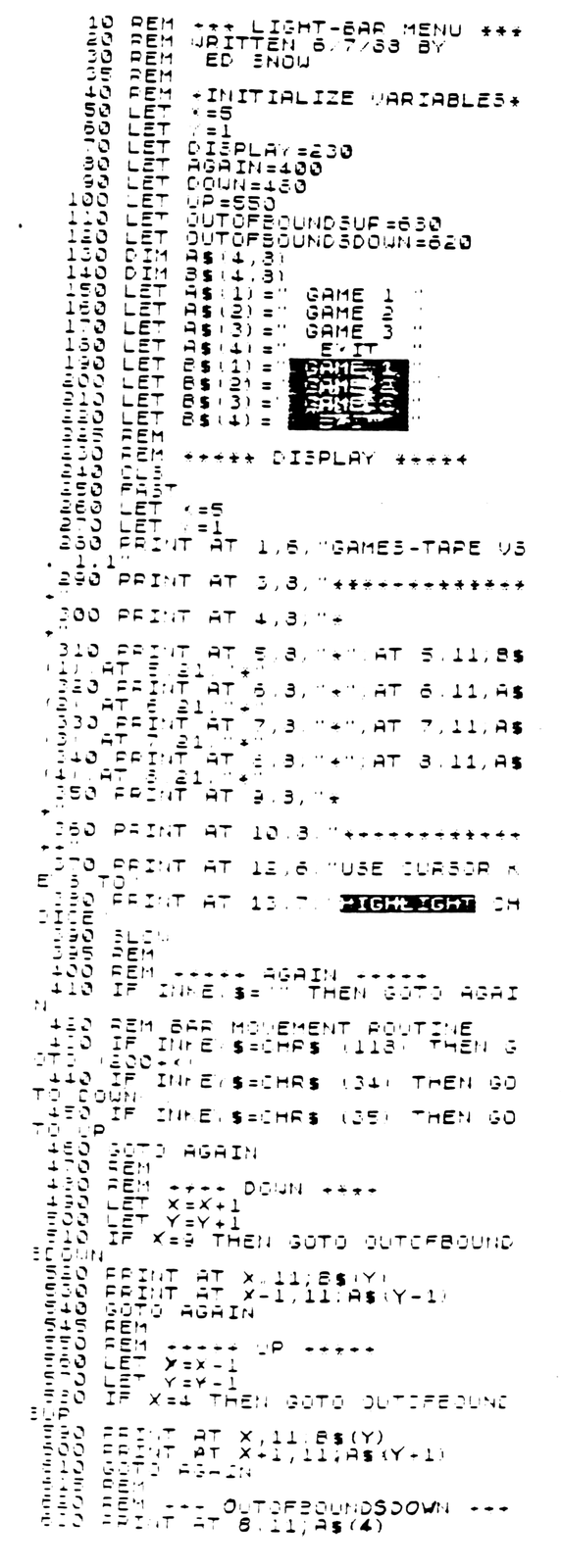
 640 PRINT AT 5,11;B$(1)
 650 LET X=5
 660 LET Y=1
 670 GOTO AGAIN
 675 REM
 680 REM *** OUTOFBOUNDSUP ***
 690 PRINT AT 5,11;A$(1)
 700 PRINT AT 8,11;B$(4)
 710 LET X=8
 720 LET Y=4
 730 GOTO AGAIN
 735 REM
1000 REM **** GAME 1 HERE ***
1010 CLS
1020 PRINT AT 10,9;"HERE AT GAME 1"
1030 PAUSE 120
1040 GOTO DISPLAY
1045 REM
1200 REM **** GAME 2 HERE ****
1210 CLS
1220 PRINT AT 10,9;"HERE AT GAME 2"
1230 PAUSE 120
1240 GOTO DISPLAY
1245 REM
1400 REM **** GAME 3 HERE ****
1410 CLS
1420 PRINT AT 10,9;"HERE AT GAME 3"
1430 PAUSE 120
1440 GOTO DISPLAY
1445 REM
1600 REM **** EXIT ROUTINE ****
1610 STOP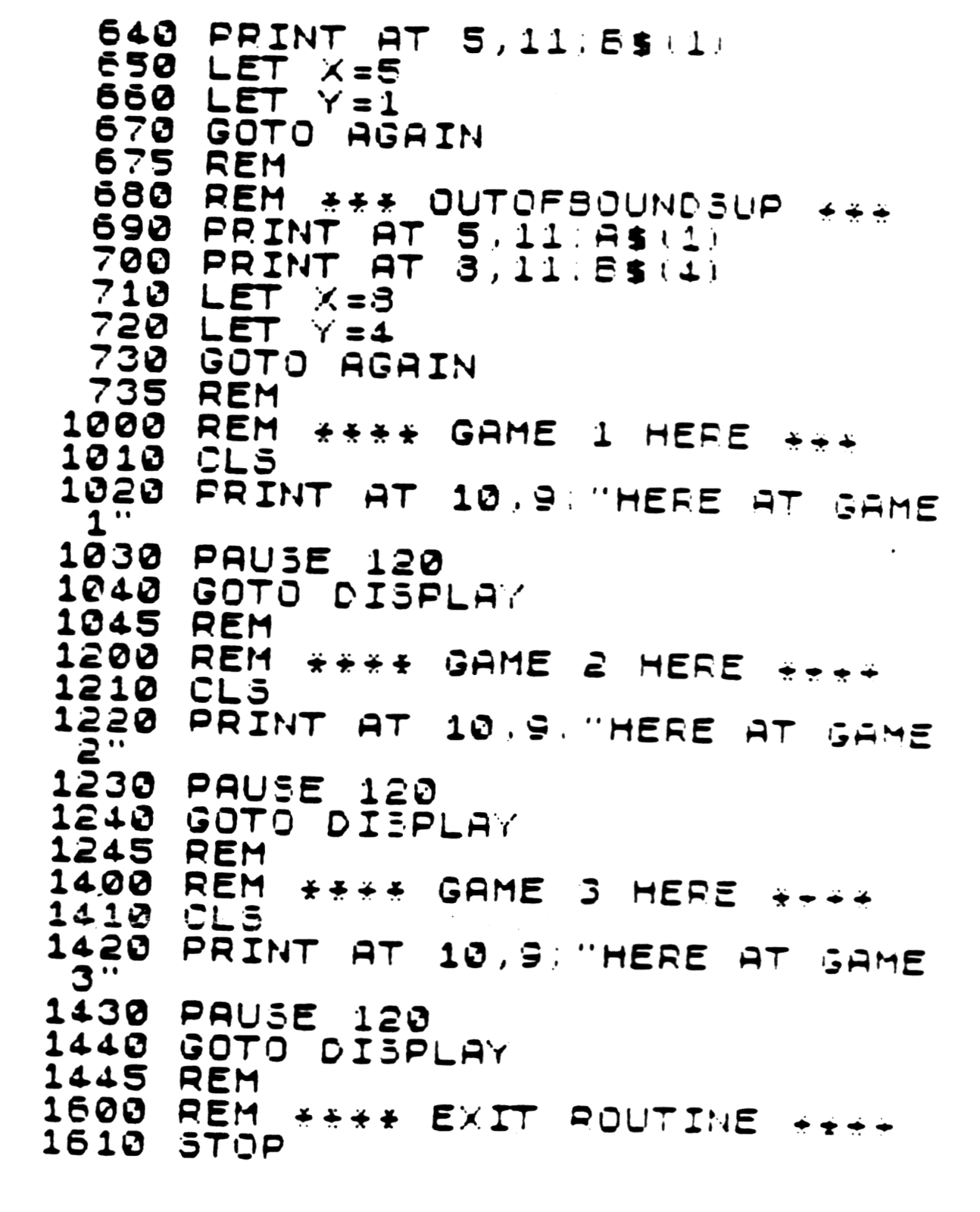
Note: Type-in program listings on this website use ZMAKEBAS notation for graphics characters.