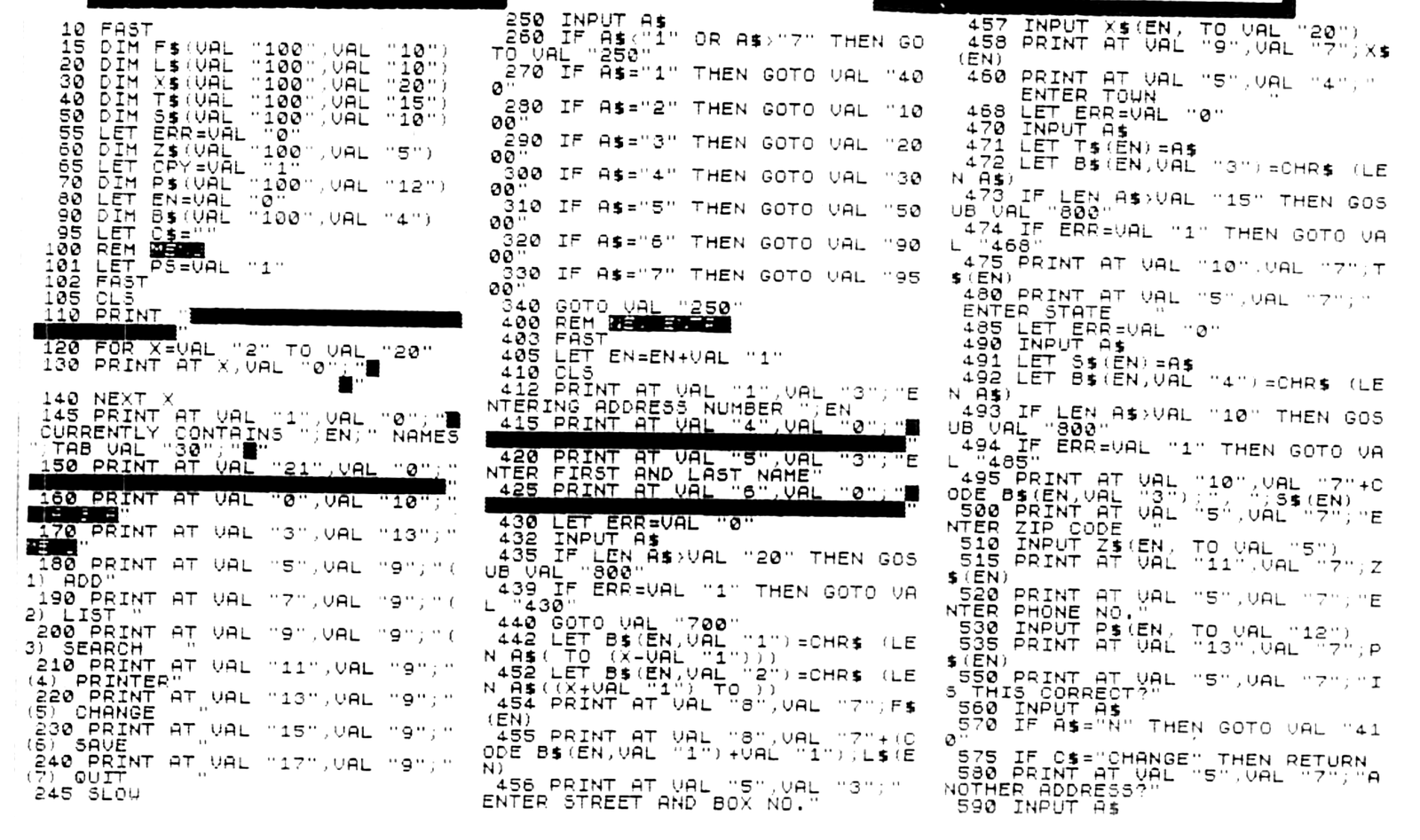
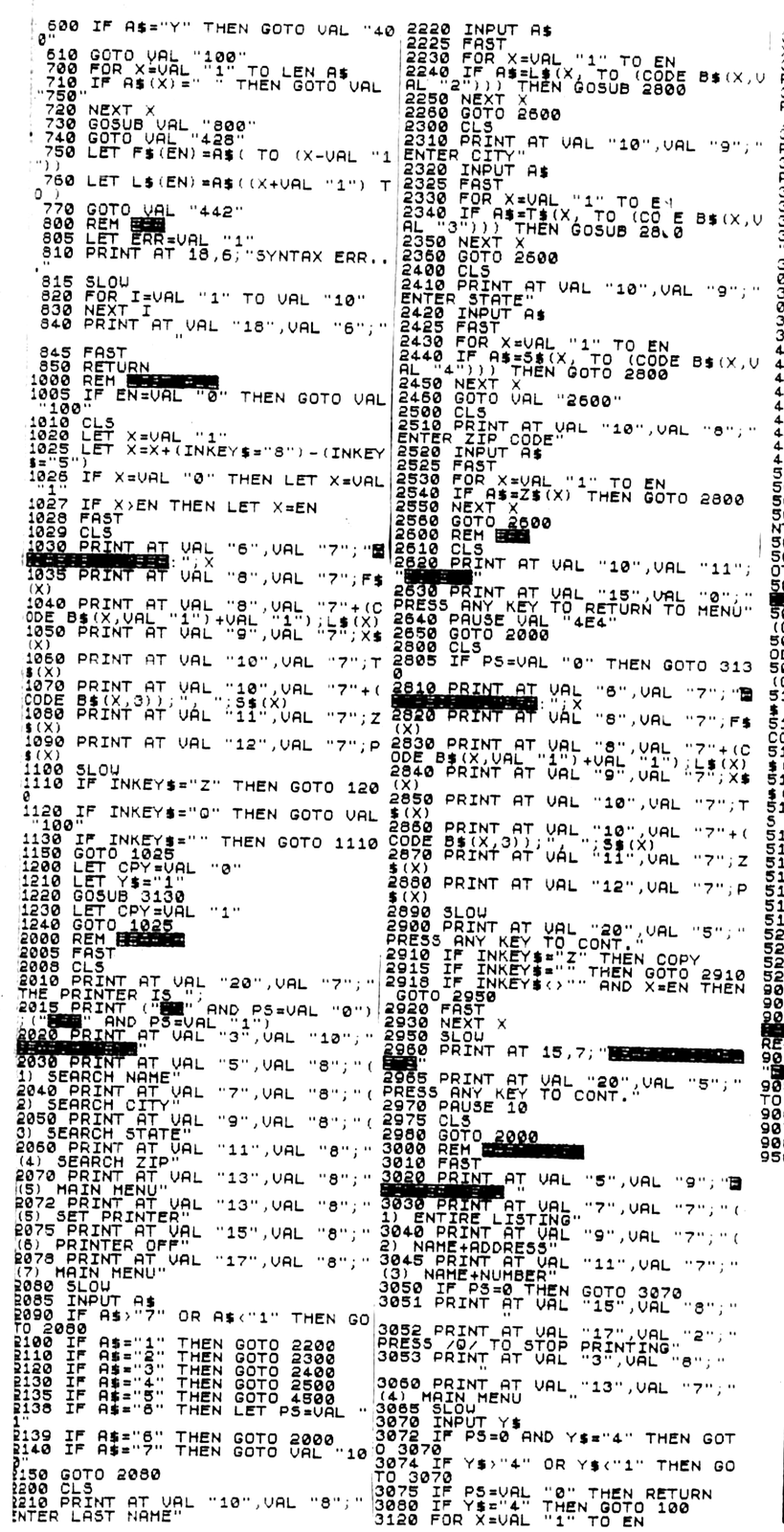
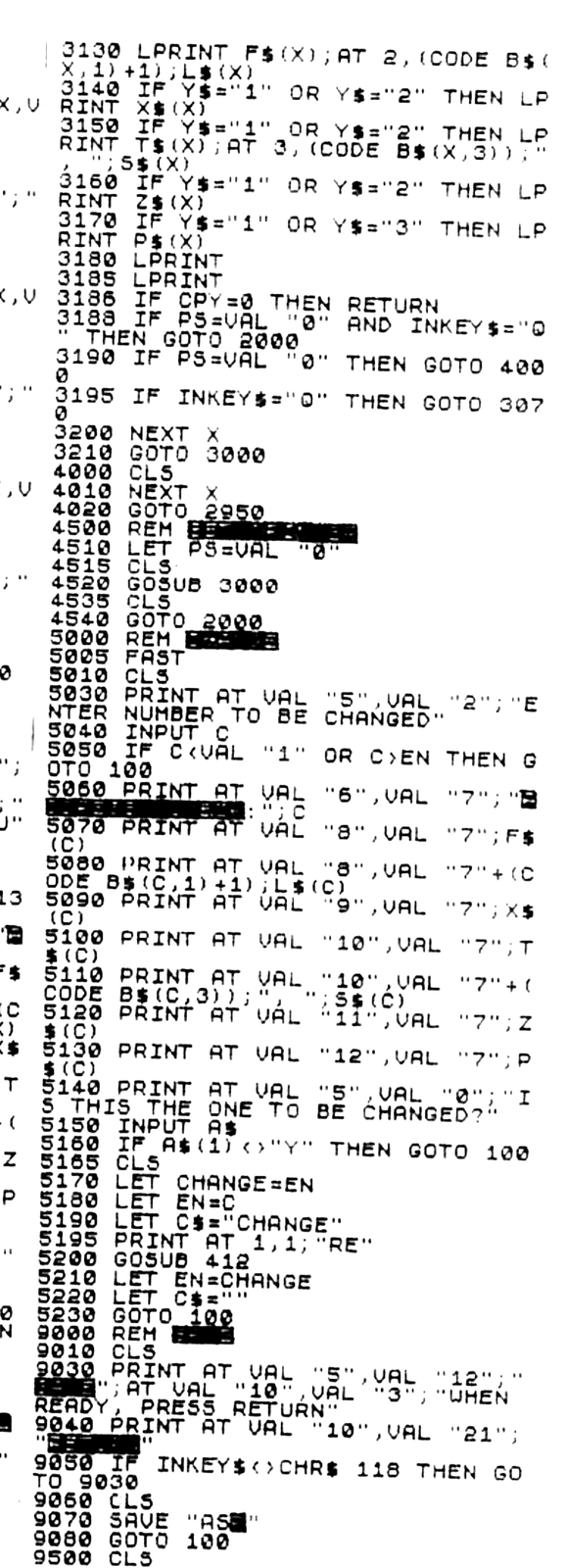
Is your little black book getting so full that you can’t find the address you are looking for? Do you dread addressing all those envelopes to send out Christmas cards? Using ASR not only makes it easier to do these tasks and others, but it can save you time in the process.
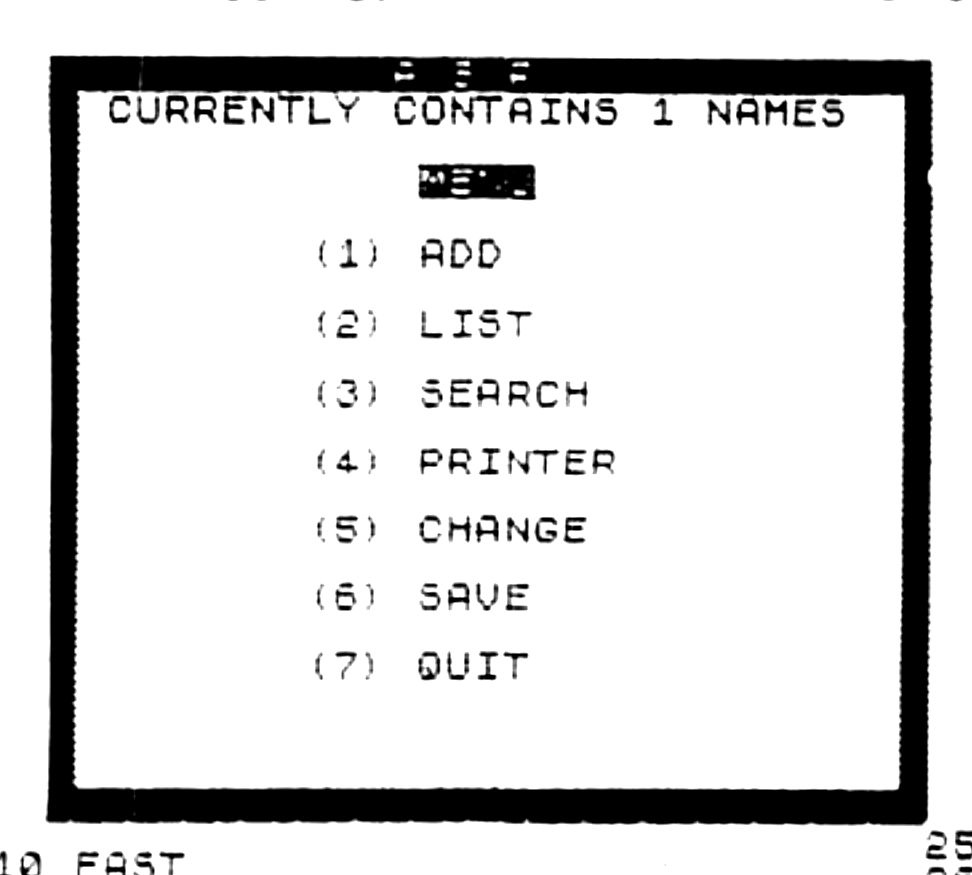
ASR will hold up to 100 names, addresses and phone numbers. It will search by last name, city, state or by the zip code. It will list all addresses it finds on the screen or, if you have one, on your printer.
GETTING STARTED
I. ENTERING AN ADDRESS
After typing in and running ASR, the main menu will be presented. The first option is to add another address. By entering 1, you will be in the entry mode. You must give the first name or initial, then the last name. The street and box number must be entered next. Next is the city or town, then the state. Now the zip code must be entered and finally, the phone number. NOTE: with no phone number just press return. You will now be asked, “IS THIS OK”, if it is not , enter “N” and you will be allowed to reenter. If everything is correct, just press return. Last of all you will be asked if you wish to enter another address. If you do just enter a “Y” or else press return and the main menu will return.
II. LISTING
When in the listing mode, the first address will appear on the screen. To see the next one, press the “8” and it will flip to the next address. To return to a previous address press the “5”. At any time, you can send an address to the printer by pressing “Z”. To quit and return to the main menu, press “Q”.
III. SEARCH
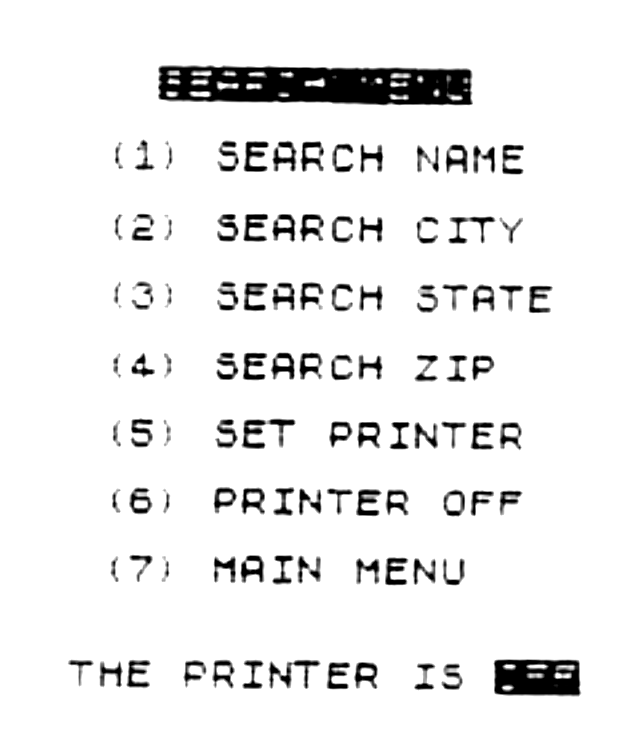
As I stated before, there are several different ways to search. When searching by name, only the last name must be entered. The rest is self explanatory. NOTE: unless the printer is set, all addresses will print on the screen. To use the printer in a search, it must first be set. When setting, you will be given a choice of three printer option. Choose one of the three. When searching, every address found under that search will be sent to the printer. Every time you go from the main menu to the search routine, the printer must be reset to use.
IV. PRINTER
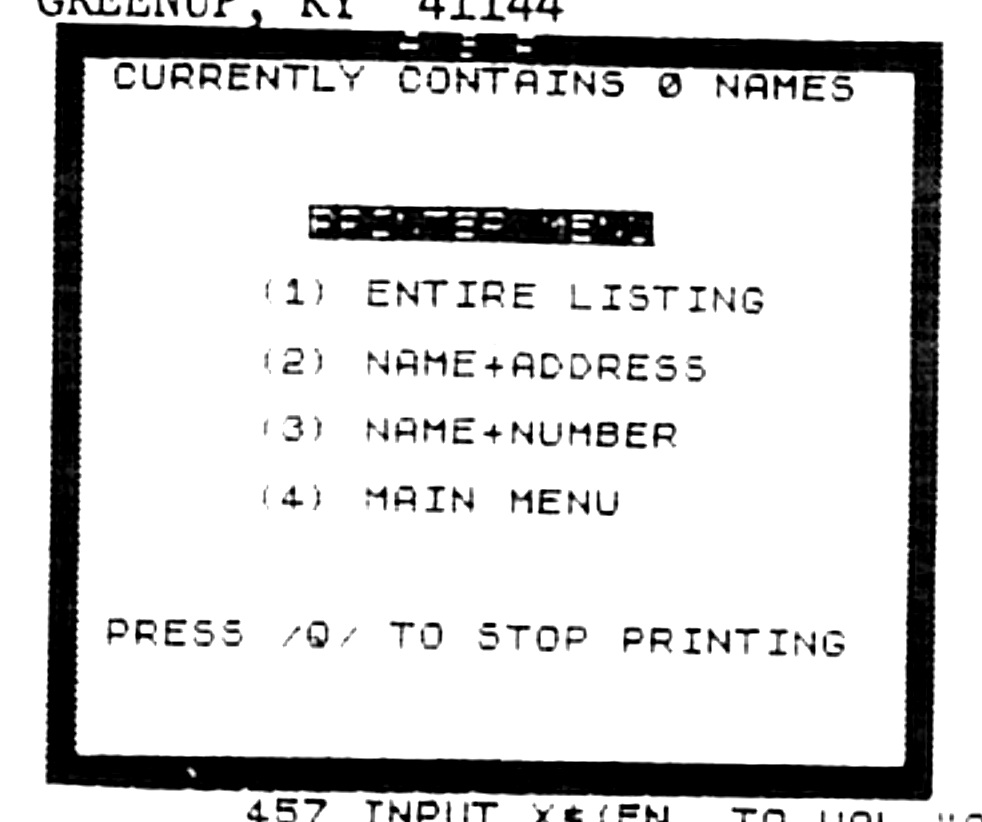
The printer mode is used to print out the entire list of addresses. There are three formats of which you can choose.
     (1) LIST ALL                       ; will
list name address and phone number.
     (2) NAME AND ADDRESS               ; will
list only name and address.
     (3) NAME AND NUMBER                ; will
list only name and phone number.
Choose one and enter it’s number and the printer will begin to list. At any time you can break out of the printer process by pressing “Q”. When finished printing, you can return to the main menu by entering a “4”.
V. CHANGE
When an address must be changed or updated, you can do this by entering the change mode, but first you must know the number of the address you want to change. To do this, first you must get in the list mode and flip to the desired address, then find the number. Second return to the menu and third enter the change mode, now enter your number. The address you want to change will be displayed and you will be asked if it is the one. Enter a “Y” if you wish to change it; otherwise enter “N” and the main menu, will return. If you enter a “Y” for you decision, you will be in the entry mode. Just enter the new address as before.
VI. SAVE
When you use the save, all your addresses will be saved along with ASR. After loading a copy of ASR with address saved, it will restart on it’s own, with all addresses now in memory.
VII. STOP
When stopping, ASR will not be cleared from memory, nor the addresses, but if you wish to continue, DO NOT use clear or run, for if you do all addresses will be lost. To restart, if the program stops, just enter “GOTO 100”, and you will now be at the main menu.
This concludes the instructions to ASR. I wish you luck with the program, and I hope it is of great use to you.
NOTE: Due to the length of ASR, I am making available copies on cassette. The cost is $5.00 per cassette. Also I would like to hear any of your comments or suggestions.
SEND TO: JOHN MARION
HC 63 BOX 650
GREENUP, KY 41144