
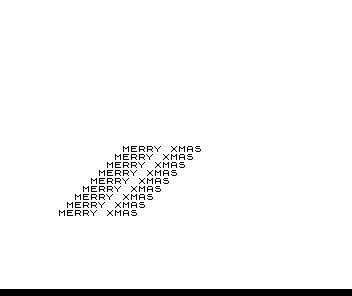
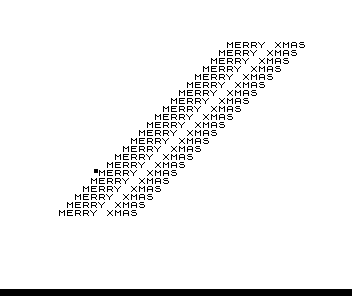
An attention getter for the ZX81 or TS1000 that shows how PLOT moves the PRINT position (Timex user manual, page 65). A single plotted pixel climbs a diagonal from the bottom left, and after each PLOT the program prints MERRY XMAS, so the greeting is printed again and again in a staircase; then the pixel runs back down the steps, and the whole thing repeats until BREAK. The TS2068 does not move the print position after PLOT.
The download is the 1991 revision, which adds SLOW and prints MERRY XMAS; the 1983 original prints a name instead. Runs in 2K.
Published in The Plotter December 1983 (ZX/TS P and R: Testing Tip, Attention), and printed again, revised, in October 1991 (TS 1000 Plot).
Image Gallery
Source Code
   1 REM PROGRAM WITH REVISIONS FROM THE PLOTTER, DECEMBER 1983
   2 REM SEE TIMEX USER MANUAL PAGE 65 ABOUT PLOT MOVES THE PRINT POSITION.
   3 REM USE RUN TO START THE ACTION.
   4 REM USE BREAK TO STOP ACTION
  10 FOR N=1 TO 43
  15 SLOW
  20 PLOT N,N
  30 PRINT "MERRY XMAS"
  40 UNPLOT N,N
  50 NEXT N
  60 FOR X=43 TO 1 STEP -1
  70 PLOT X,X
  80 UNPLOT X,X
  90 NEXT X
 100 GOTO 10
Note: Type-in program listings on this website use ZMAKEBAS notation for graphics characters.