
In the beginning, there was the cassette. And as Timex began to tell people of their new powerful color computer, the only thing that stopped it from being compared to other computers in its class, was the lack of a fast mass storage system. But, people like myself bought this new computer anyway, because it was the natural progression from the ZX-81. And we waited for the mass storage devices that were promised. Well, I am here to tell you that the wait is over.
Unless you have been out of the country for the past year, I am sure that you have heard about the Timex Portugal Disk Drive System that was made in Europe and might be sold here in the United States. For a time, it seemed that this D.D. system would not be sold here. But thanks to some hard work by Zebra Systems Inc., the drives are here.
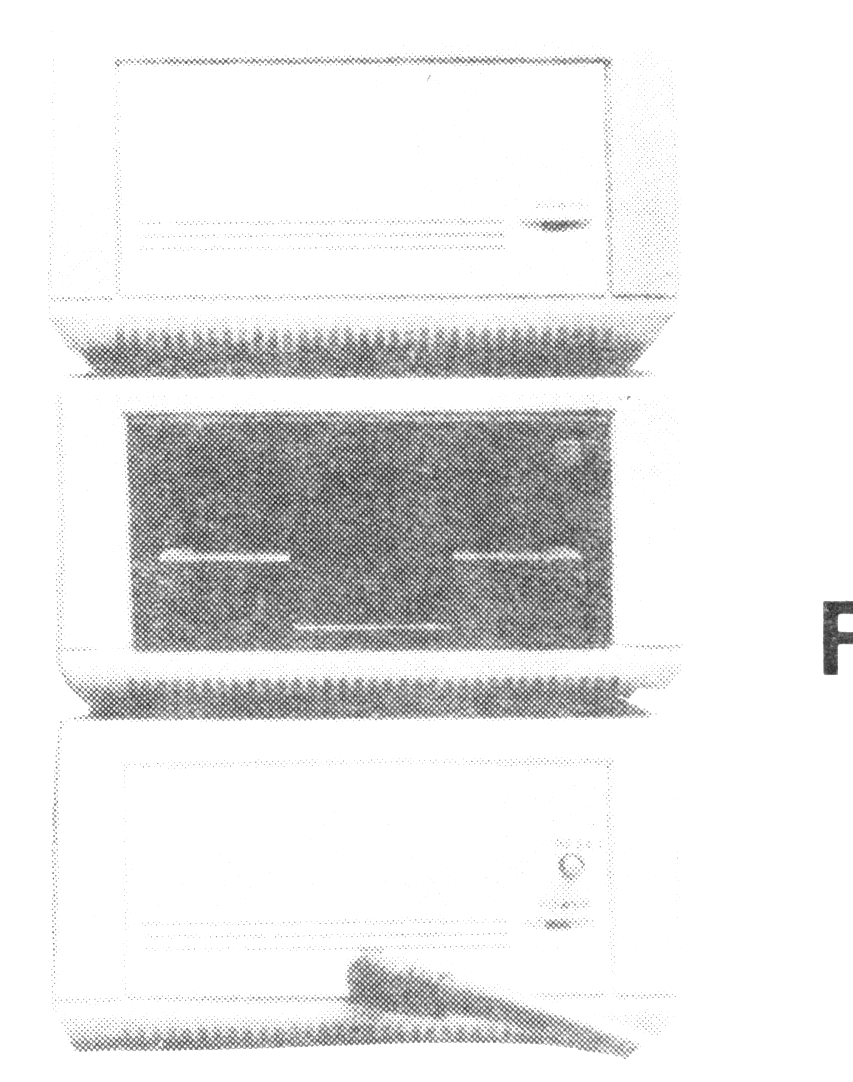
I received my drive about three weeks ago. The system itself comes in three seperate styrofoam boxes. Once you open these boxes you will find an interface that plugs into the back of the computer buss (with a Spectrum Buss Adapter or “Twister”, which Zebra supplies), a D.D. Controller, a Power Supply, and the Disk Drive itself. Each unit is about 4.5″W x 2″H x 6″D. They are the same silver color that the 2068 computer is painted with.
Connecting the power supply to the controller and the disk drive, and the ribbon cable of the controller to the drive, is explained in detail in the system manual. The documentation that is supplied with the system is by far the best and most easiest to understand of any documentation I’ve seen for a Timex related product. The documenttation and “ease of use” make this the best mass storage device on the market for the T/S 2068.
Once you have the system set up, the first thing that catches your eye, is the use of the 3 inch floppy disk. They are double-sided and double-density (although you can only write to one side at a time) and hold 360k of information. Also you will notice that the disks are much harder, and able to take abuse better than 5 1/4 inch floppies.
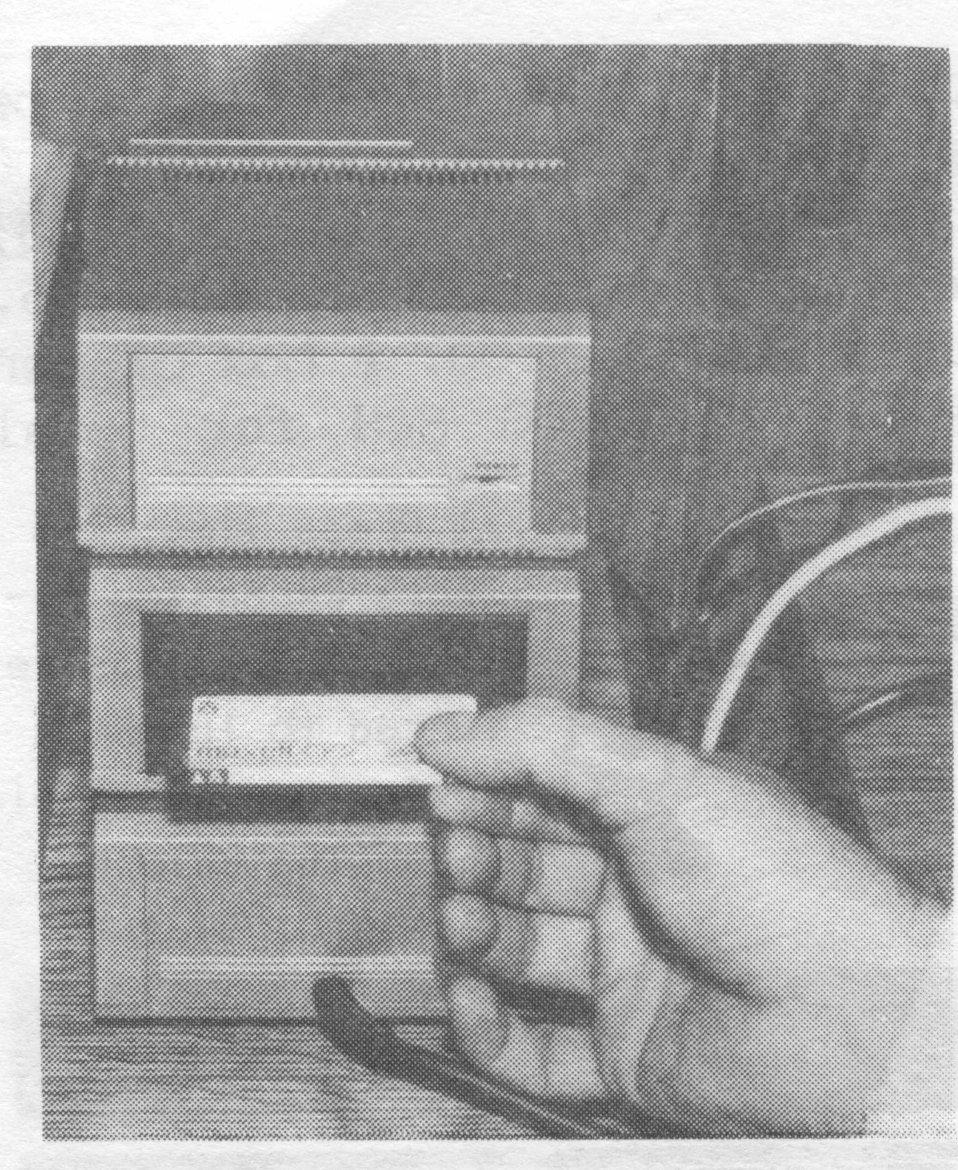
As soon as you get the system up and running, you will see a new copyright message along with the Sinclair and Timex messages. It will say “TOS 1985”. Though it does not say it in the manual, this stands for Timex Operation System. Once I started to use it, I found it to be the most user friendly, and most powerful operating system of any “under $1000” computer on the market today…and belive me, I have used them all.
You will notice, if you use the PRINT FREE command that the operating system uses none of the computer’s memory. That is because the TOS is in ROM in the controller. Not only does the controller have its own ROM, it also has its own Z80A C.P.U., as well as its own RAM. It is correct to say, that the D.D. system is a seperate computer to the 2068.
As you start to use the drives, you will find that the only change you have to make in loading and saving files is to use a “*” after the command. Instead of LOAD and SAVE, it’s LOAD * and SAVE *. After reading that one sentence, you can now convert and use most of the programs you now own. There is the CAT * command to display the disks contents, FORMAT * to prepare the disk for use, ERASE * to erase files on disk. As a matter of fact, all the commands that you used to look at with great curiosity at the top of the keyboard are now up to good use.
As the manual leads you step by step through the operating system, the ease of using this disk system becomes apparent. The TOS uses a “tree” structure that utilizes many directories on one disk. These directories are the “roots” that branch out to related files. The manual goes into this in detail in chapter 4.
The floppy disk [supplied with the drive] comes with some demo’s and utilities that are worth noting. There are games and displays in the FUN directory. MATHS and FILING directories are good as well. It is the UTIL (or utilities) directory that is the most interesting. First, in order to take advantage of the two (yes two) RS-232C connectors on the back of the controller, there are programs to send and receive data (via modem or direct hook-up), and a program to run a printer. A great program is one that will copy an entire disk to another disk as a back-up. Take my word for it that you will use this program often.
A description of everything this disk operating system can do would take much more room than I have here. There are methods of creating, erasing, protecting, copying and renaming files, as well as an extensive “help” file which will answer any question you may have.
Being a member of the Long Island Sinclair/Timex (L.I.S.T) group [in New York] as well as a person who uses computers at work, I have seen a lot of disk operating systems. I have yet to see one that offers so much to the user, including the systems that are out there now for the 2068.
There are some minor short-comings I have noticed. One is that the power supply runs a little too hot. Another is that there is no feed-through on the interface for you to connect other peripherals. On that last one though, Zebra Systems Inc. is in the process of making a “Super Twister” [or properly named Zebra Interface] that will have two feed-throughs, as well as an RGB connection and a [optional] Spectrum emulator. This twister will be ready soon.
I have no complaints at all about the way these drives operate. I now load TASWORD in seconds (in a little less than 7 seconds) instead of minutes. But I also have “random access”. This allows me to write software that is not dependent on the computers memory. This is because you can use the D.D. to develop a “DISK RAM” system. What this does is it allows you to use the disk rather than the computers memory to store all your variables. In that way, you can have over 65,000 names in an address file!
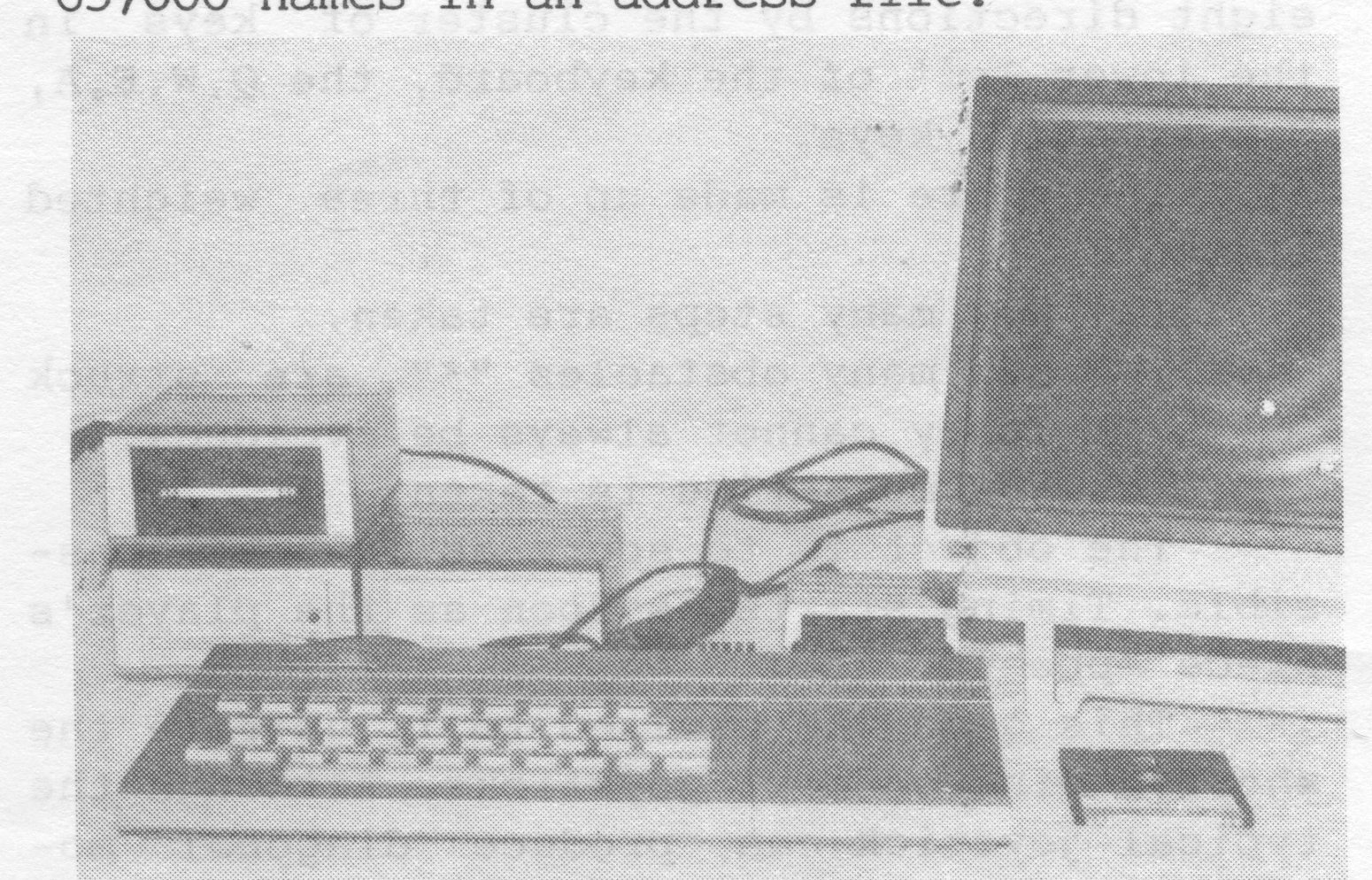
In summation, it took me a long time to decide which mass storage system I would buy. I feel that by waiting for the Portuguese [Timex] Disk Drives to become available, the wait was worth it. And what with rumors of C/PM compatability on the horizon, there seems to be no limits to what our Timex/Sinclair 2068 can do. In my mind, the Zebra Floppy Disk Drive System was and is the best mass storage system, bar none.
If you should have any comments or criticism, please address them to: John Gaddis, [address omitted], Sayville, NY 11782.
[The Zebra Disk Drive System can be purchased from Zebra Systems, Inc., 78-06 Jamaica Ave., Woodhaven, NY 11421, (718) 296-2385. Price for the system is $349.95. An additional drive is $125.00. A box of ten disks is $39.95. Add $3.00 S&H for total order.]
At Press Time: The Zebra Expansion Interface that was referred to in the review was available and being shipped with D.D. Systems.