
Program:    Pixel Sketch and Graphics Editor,
            Version 2.0
Computer:   TS 2068
Price:      $19.95
Available from:
            LEMKE SOFTWARE DEVELOPMENT
            2144 White Oak
            Wichita KS 67207
Having recently written a graphics program for the 2068, I can appreciate all the capabilities represented in this program.
The Pixel Sketch and Graphics Editor, Version 2.0 (or PS/GE, for short) uses the standard video mode, the extended color video mode with eight times the standard color resolution, and the high resolution graphics video mode to draw and to print text. This versatility is very useful especially if you like lots of color or lots of room to work with.
The capabilities are great and many. It has the usual commands like plot, erase (unplot), circle, draw, ink and paper colors, bright, and flash. But that’s not all. What makes this program great are functions like zoom, wide, mirror image, rotate, move, paint, merge (two pictures), inverse, fill/shade, erase, digitize, and text/print. Each function helps to show the great graphics ability of the 2068. All of the above functions, except for paint and fill/shade are accessed by a useful (if not unique) process called “windowing”, in which a rectangular window appears on the screen which can be made larger or smaller, taller or shorter, wider or narrower, and it can easily be located on the screen.
Most of the functions are self-explanatory and I didn’t have any trouble with them, except for “digitize”. This function was very new to me. It is used to “digitize” the picture in the user-defined window. The digitize function displays the decimal and binary equivalents of the screen display file. These data can be used (outside the PS/GE) to define user-defined graphics characters. Each data point is defined by its row and column number relative to the upper-left corner of the user-defined window. Digitize will analyze an 8×8 pixel area at a time.
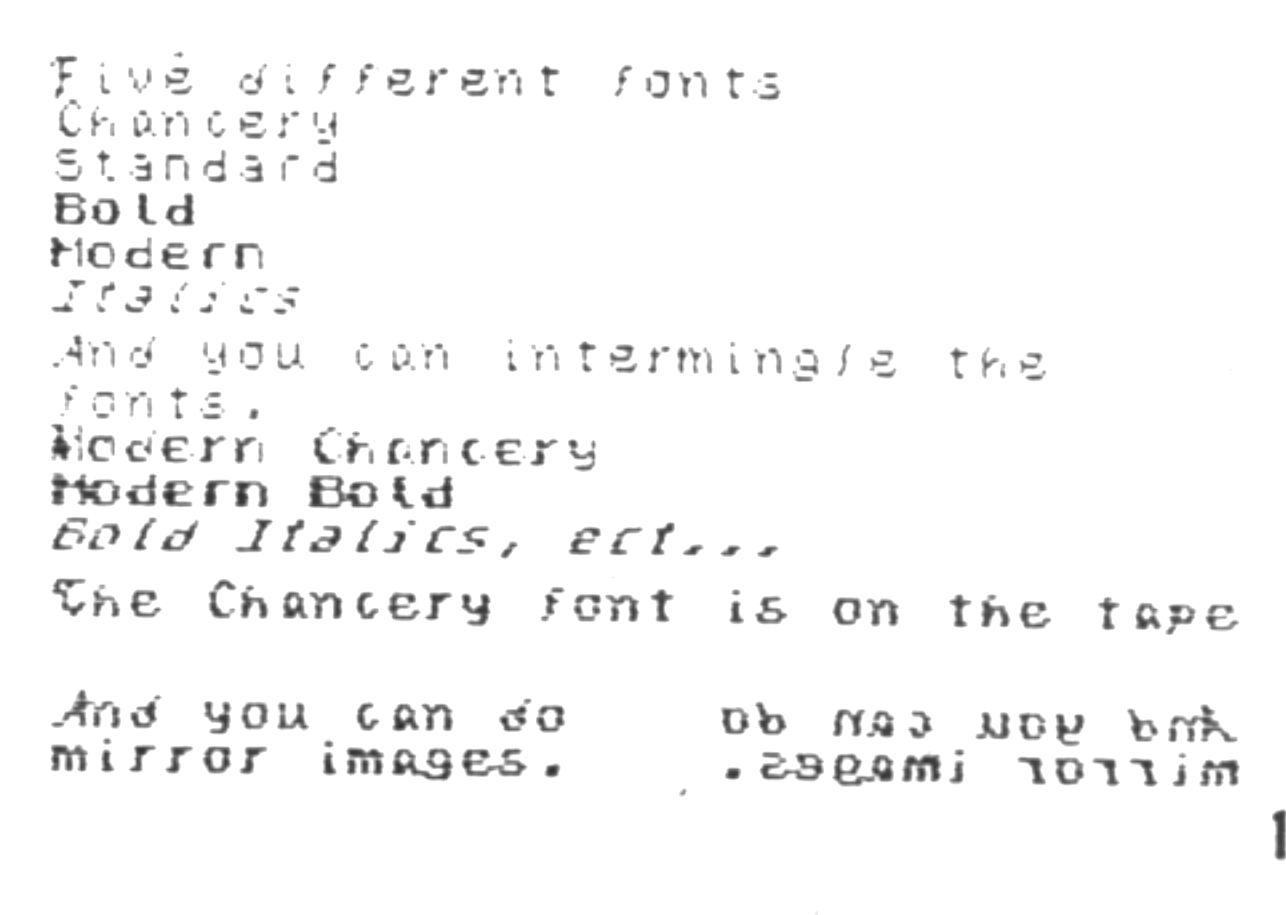
Using the text/print option allows you to choose from four built-in fonts, plus there is an additional font (chancery) on the tape which can also be used. (See Figure 1.)
You can also use the “zoom” statement to enlarge lettering as seen in Figure 2.
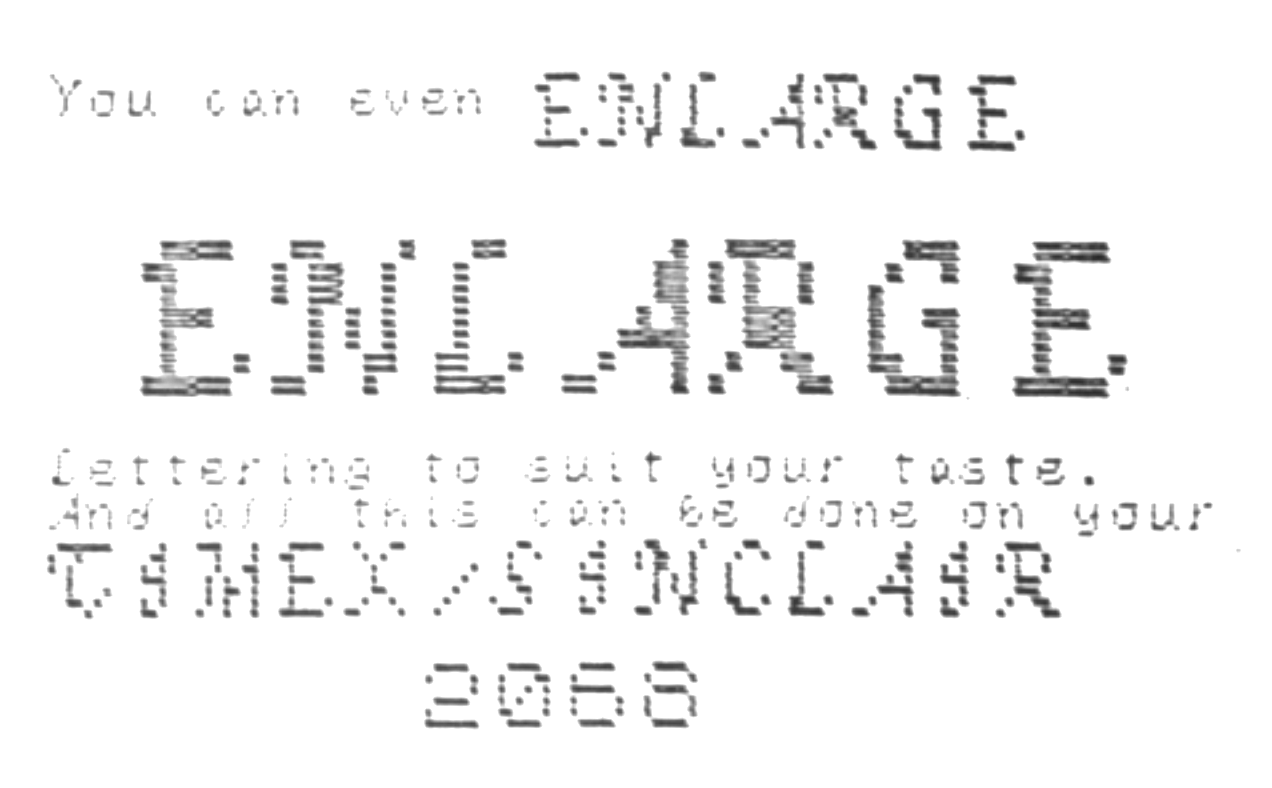
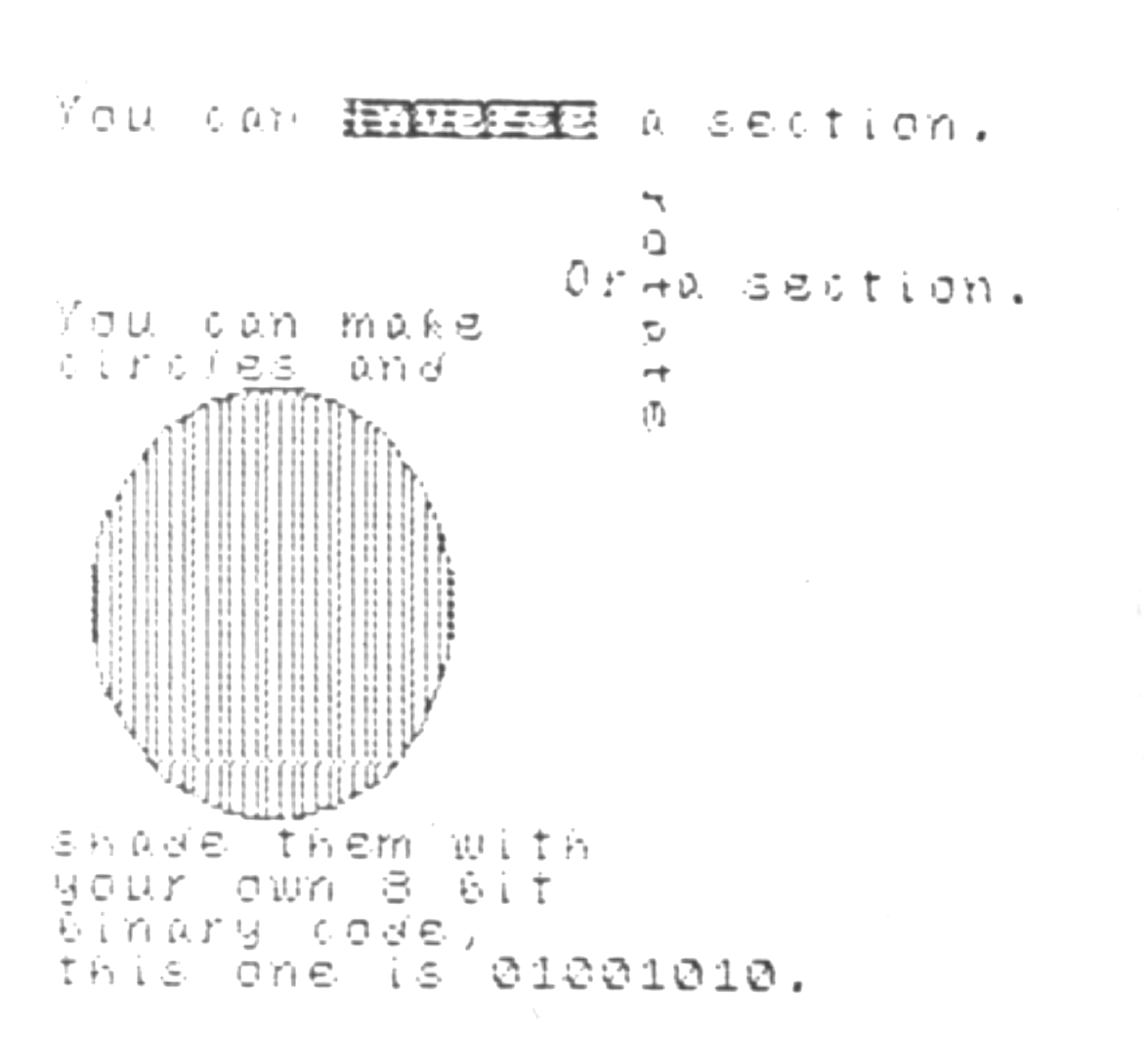
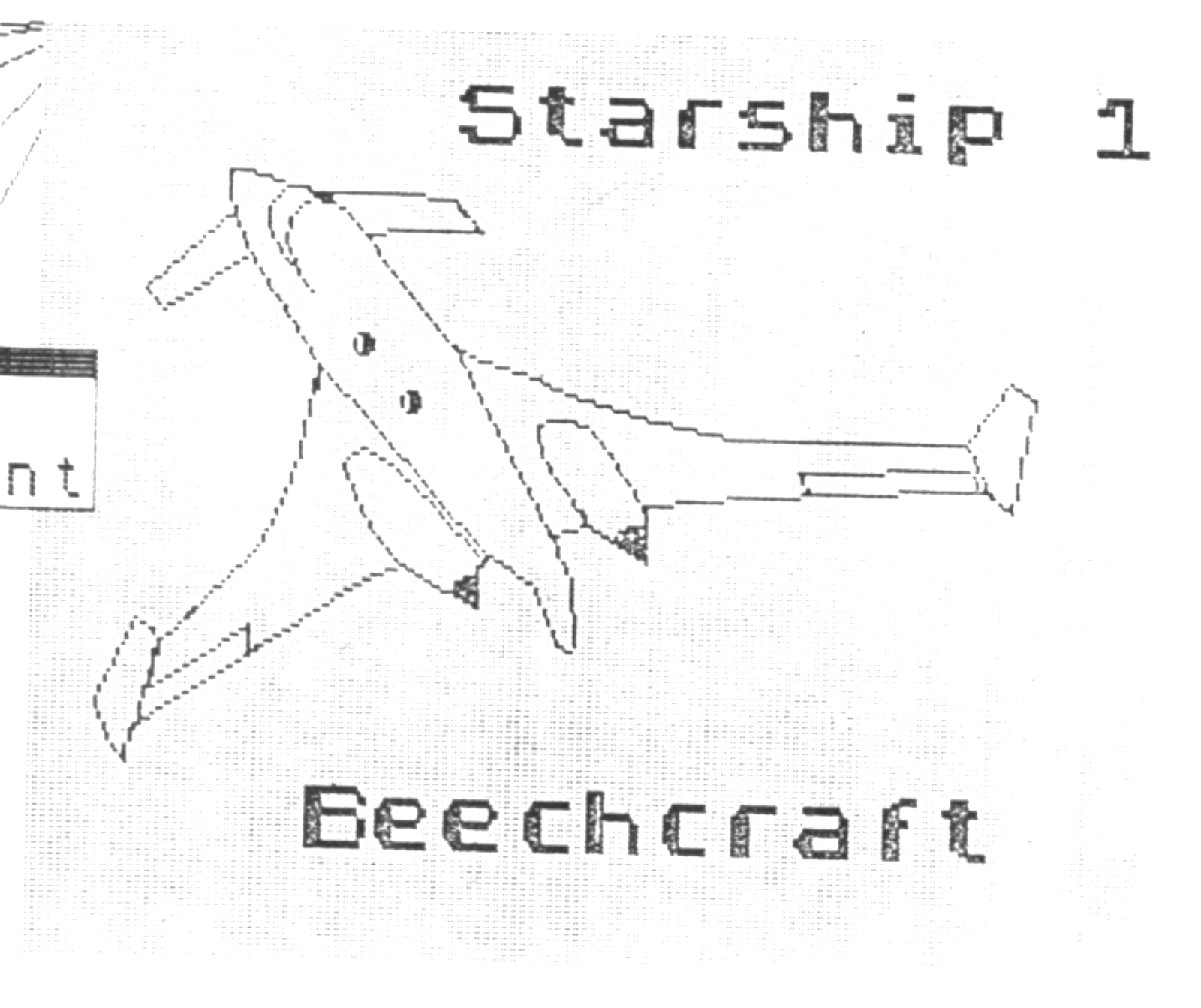
Figure 3 shows some other functions of the PS/GE.
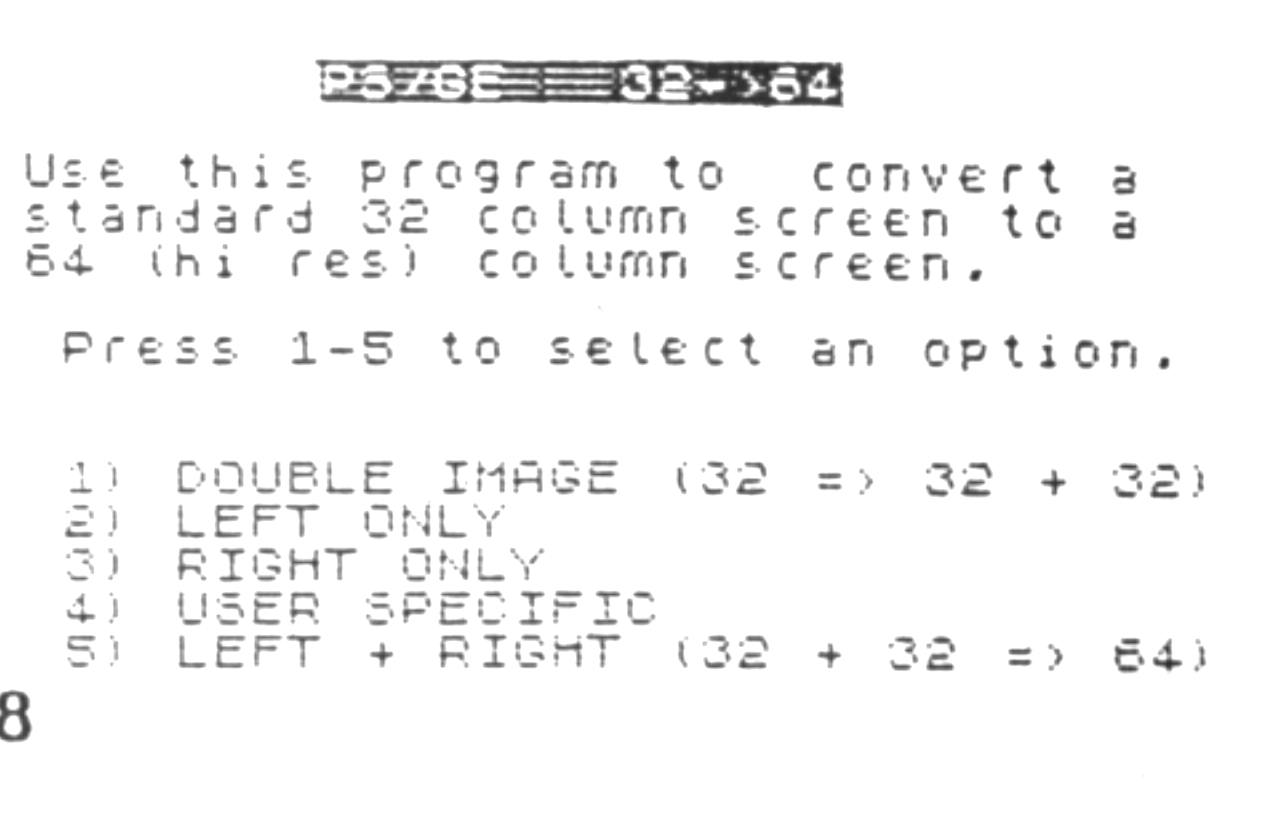
Also on the tape is a very useful program that changes a 32 column picture into a 64 column picture. (See menu, Figure 4.) You can do a double image of a picture, place it on either the right or left side, start it on any of the 32 columns, or merge the pictures side by side.
The booklet accompanying the program explains each function as well as telling you how to make modifications to the program for a full-sized printer.
The original version of the program has been on the market for over a year now, and for those who purchased the old version, you can order version 2.0 by sending $10.95 and the original tape back to Lemke Software Development.
PS/GE is simple to understand, very user-friendly, and overall a great graphics program.