
This program is a most simple, quick and versatile way to manage your address book. It was inspired by an out-of-print offering from Zebra Systems, “Address Book”, but it is a many-order improvement over that product.
ADDRESS has several notable features:
α) Fast positive sort routines that consume no extra memory. All sorting is done in situ
β) Screens for each function of ADDRESS are color coded – to remind you where you are at all times
γ) All instructions are presented onscreen all the time to walk you thru each operation
δ) Safe recovery from accidential bombouts with all data preserved
ε) All fields in the address file are strings so you can fill them with any data you need
ζ) Address files are stored independently of the code for ADDRESS. A one loading of ADDRESS can work on any one of many different files
η) Address files are created of just the size you need for the number of records going into them. There’s no large blocks of empty wasted records
θ) Operations are generally goofproof
Key in ADDRESS. You will have to alter the LOAD, SAVE, and CAT routines to suit your peculiar storage apparatus. The code as presented here is for the Portuguese disc system. The code to be examined is in the 9000 and 9500 suite of lines and in line 9999. The verbiage in lines 40 & 50 also relate to the Portuguese system and you may want to fix these up, too.
After making a safety save of ADDRESS do CLEAR: GOTO 70. You get a blue menu of all the operations in ADDRESS. Every time you complete an operation you will come back to this menu; when you load ADDRESS for action you will come to this menu first.
Now pick ’11) Stop using this program’. You get a beeped warning about never ~ but NEVER ~ do RUN to recover from a bombout. (You recover by doing GOTO MENU. Right now you do GOTO 9999 to save a live copy of ADDRESS. It is this live copy that from now on you use for your address files.
In actual use the live copy of ADDRESS is loaded and you get the bluemenu. Note that at the top there is the file name and last update, but being that this here use is the first, there is no file yet loaded and so the file name is “NO FILE LOADED”. Once you create a file or you load one in off of your storage apparatus the proper file name and latest update will be displayed.
Operations from the bluemenu are selected by pressing the corresponding digits for each. After each operation you may continue with it for an other round or return back to the bluemenu; you are asked for your choice and you reply with “y” or “n”. Many operations are logically repeatable, like searching for names. You may need, say, seven particular names in your file. So after each is turned up you have to option to “continue” – look for an other name – or “return” – stop this search function and go back to the bluemenu.
If you by accident drop out of ADDRESS back into BASIC, remember, to recover your ADDRESS session you do GOTO MENU. If you do RUN you exfenestrate your address file and you must load in a spare copy ~ of course you did keep a spare copy, yes?
The operations are completely handheld all the way with onscreen instructions and warnings. “y/n” answers are inkeyed and strings are input. With string input you edit the entry with the normal Sinclair edit features before sending the string into ADDRESS.
Elaboration of the operations:
‘0) Load address file from disc’, white screen. A directory of available files on the disc is displayed and you enter the name for the desired one. Any file already resident in ADDRESS is obliterated by the loaded file. For cassette operations you will have the CAT* routines excised and the tape spotted at the proper startmark for loading.
‘1) Enter new addresses’, yellow screen. The record number and count of remaining empty records are displayed. If you are running out of room, you are flashed & beeped a warning. Each field of the record is presented in turn for you to fill out.
‘2) Display address file’ and ‘3) print address file’, cyan screen, the address file is dumped to the screen or to the printer. Make sure the printer is ready. On the printer output the filename and last update are included. To interrupt a screen dump break out at the ‘scroll?’ query and then do GOTO MENU.
‘4) Sort by last name’, ‘5) Sort by zipcode’, and ‘6) Sort by telephone number’, blue screen. The file is physicly shuffled into the correct order and it remains in the order until you do an other sort. The progress of the sort is shown as a countdown on the screen. The sorting algorithm is self contained and no auxiliary vectors or pointers or arrays are employed.
‘7) Change an address’ and ‘8) Look for an address’, magenta screen. Enter the name field to look for. Only the first few characters are really needed because the match is made on just the exact characters you type in. For a simple lookup you can get a printout. For a change of address you are stepped thru each field. You must type in the entire new field and not just the specific alterations.
‘9) Delete an address’, red screen. Enter the name field like for a lookup or change. You get a confirming query before the actual deletion. A name deleted is actually cut out of the address file and all the other names are hiked up to fill in the gap.
’10) Save address file to disc’, green screen. You can datestamp the file and you then give it a name. Be aware that some storage schemes do not allow you to save a file whose name duplicates an existing name. Others do warn you of the existing file but let you overwrite it. Yet others do not care; they’ll overwrite the existing file and not ever tell you. You should insert routines in this 9000 block to deal with the peculiar behavior of your storage system. The file remains in ADDRESS after the save so you can continue to work with it.
’11) Stop using this program’, blue screen. This merely breaks out of ADDRESS and beeps a warning at you about doing GOTO MENU to get back into ADDRESS
’12) Make a new address file’, black screen. Enter the maximum number of records and the file name. Allow reasonable space for the file to grow when giving the number of records for this number is the dimension of the array constituting the address file. The upper limit is 240 records. Any file already in ADDRESS is obliterated by the new one just created.
  20 BORDER 0: PAPER 0: INK 7: CLS
  30 PRINT "The new address file can be di- mensioned to accommodate the ul-timate number of names to be en-tered into it. The maximum pos- sible number of names is 240. Ifyou want to leave the file size at 240, just hit <enter> when   the file size is requested."
  34 INPUT "number of names (<=240): ";q$: IF q$<>"" AND VAL q$<=240 THEN LET am=VAL q$
  36 IF q$="" OR VAL q$>240 THEN LET am=240
  38 LET am=am+1: DIM a$(am,104): LET a$(1,1)=CHR$ 0
  40 PRINT "The new address file name must  start with a letter and have no more than eight characters. The extension '.DAT' is attached to this name when the file is sav- ed to disc."
  50 INPUT "address file name: ";e$: IF e$(1)<"A" OR e$(1)>"z" OR LEN e$>8 THEN GO TO 50
  60 LET a$(1,17 TO 24)=e$: GO TO 72
  70 LET e$="NO FILE LOADED"
  72 LET y$=""
  74 POKE 23658,0: LET r$="y": LET a=0: LET menu=80
  80 BORDER 1: PAPER 1: INK 7: CLS
  90 PRINT ''"*********************************   A D D R E S S    F I L E   *********************************"
  94 PRINT "address file => ";e$'"last update => ";y$'"********************************"
 100 PRINT '"0) Load address file from disc"'"1) Enter new addresses"'"2) Display address file"'"3) Lprint address file"'"4) Sort by last name"'"5) Sort by zip code"'"6) Sort by phone number"'"7) Change an address"'"8) Look for an address"'"9) Delete an address"
 101 PRINT "10) Save address file to disc"'"11) Stop using this program"'"12) Make a new address file"
 300 INPUT q$: LET y=VAL q$: IF y>=0 AND y<=12 THEN GO TO 350
 330 GO TO 300
 350 GO SUB (9500 AND y=0)+(1000 AND y=1)+(2000 AND (y=2 OR y=3))+(3000 AND (y>=4 AND y<=6))+(4000 AND (y=7 OR y=8))+(6000 AND y=9)+(9000 AND y=10)+(8800 AND y=11)+(0 AND y=12)
 900 GO TO menu
1000 BORDER 6: PAPER 6: INK 0: CLS
1002 FOR a=2 TO am: IF a$(a,1)<>" " THEN NEXT a
1004 IF a=am THEN BEEP 1,1: BEEP 1,1: PRINT AT 10,7; FLASH 1; PAPER 2; INK 9;" File is full "'' FLASH 0;"no more empty addresses left!": PAUSE 200: RETURN
1010 IF a>=am-10 AND a<am THEN BEEP 1,1: PRINT AT 10,7; FLASH 1; PAPER 2; INK 9;" File is getting full "'' FLASH 0;"only ";am-a;" empty addresses left!": PAUSE 200
1020 CLS : PRINT PAPER 5; INK 1;" ADDRESS #";a-1'am-2-a;" empty addresses left"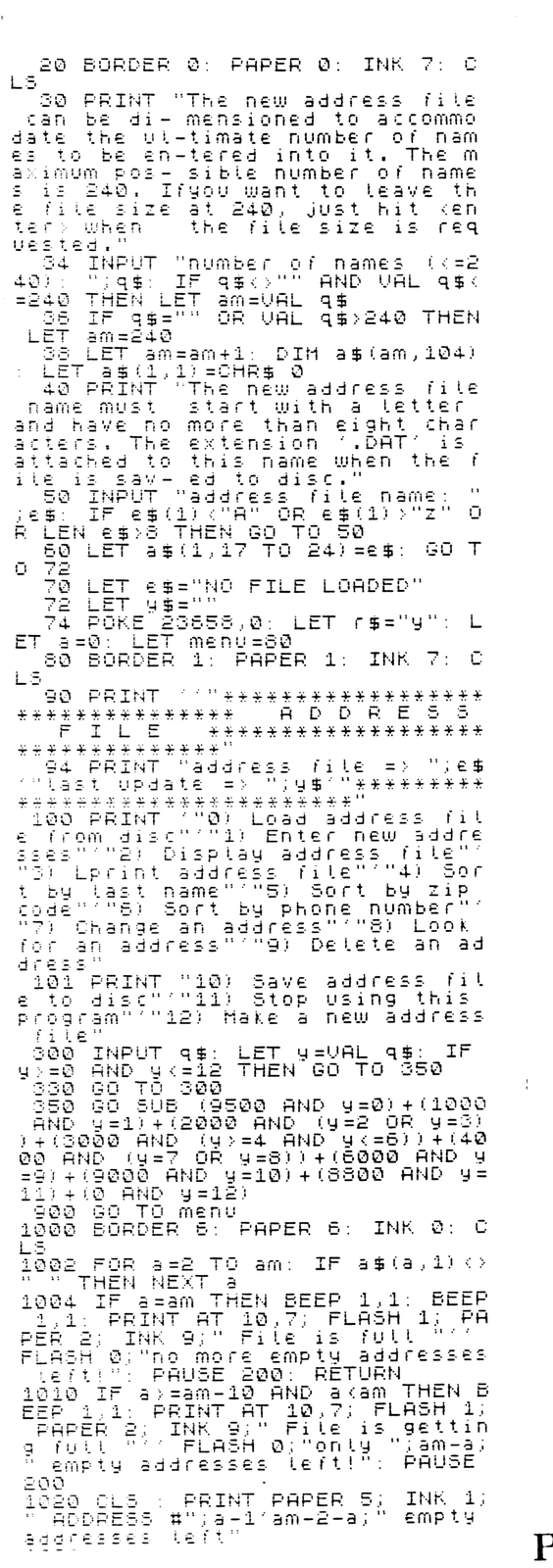
1022 INPUT "ENTER name (<= 32 CHR$ )"'"................................"'a$(a, TO 32): PRINT AT 6,0;a$(a, TO 32)
1030 INPUT "ENTER address (<= 32 CHR$ )"'"................................"'a$(a,33 TO 64): PRINT a$(a,33 TO 64)
1040 INPUT "ENTER city & state (<= 22 CHR$ )"'"......................"'a$(a,65 TO 86): PRINT a$(a,65 TO 86);" ";
1050 INPUT "ENTER zipcode (= 5 CHR$ )"'"....."';a$(a,87 TO 91): PRINT a$(a,87 TO 91)
1060 INPUT "ENTER areacode (= 3 CHR$ )"'"..."';a$(a,92 TO 94): PRINT a$(a,92 TO 94);" ";
1070 INPUT "ENTER phone number (<= 10 CHR$ )"'".........."';a$(a,95 TO ): PRINT a$(a,95 TO )
1160 GO SUB 9990: IF q$="n" THEN RETURN
1170 NEXT a
2000 BORDER 5: PAPER 5: INK 0: CLS
2005 IF y=2 THEN GO TO 2210
2200 LPRINT ;"================================"'e$;" for ";y$'"================================"
2205 PRINT AT 10,3; FLASH 1;" printing - please wait "
2210 FOR z=2 TO a: PRINT #y;a$(z, TO 86);" ";a$(z,87 TO 91)'a$(z,92 TO 94);" ";a$(z,95 TO )
2220 PRINT #y;"--------------------------------"
2230 NEXT z: GO SUB 9990: IF q$="n" THEN RETURN
2240 GO TO 2000
3000 CLS : PRINT AT 10,3; FLASH 1;" sorting - please wait "
3002 PRINT AT 15,0;"Sorting is finished when this   number steps down to zero =>"
3006 LET p=a: LET b=(1 AND y=4)+(87 AND y=5)+(92 AND y=6): LET e=(32 AND y=4)+(91 AND y=5)+(104 AND y=6)
3010 IF p<=1 THEN RETURN
3012 LET p=INT (p/2): LET m=a-p
3014 PRINT AT 16,29;p;" "
3020 LET f=0: FOR j=1 TO m: LET k=j+p
3030 IF a$(j,b TO e)>a$(k,b TO e) THEN LET q$=a$(j): LET a$(j)=a$(k): LET a$(k)=q$: LET f=1
3040 NEXT j: IF f THEN GO TO 3020
3050 GO TO 3010
4000 BORDER 3: PAPER 3: INK 7: CLS
4010 INPUT "ENTER desired name: "'r$
4020 PRINT AT 10,3; FLASH 1;" looking - please wait "
4030 FOR z=2 TO a: IF a$(z, TO LEN r$)=r$ THEN GO TO 4100
4040 NEXT z
4050 CLS : PRINT AT 10,(31-LEN r$)/2;r$'TAB 11;"not found": GO SUB 9990: IF q$="n" THEN RETURN
4060 GO TO 4000
4100 CLS : PRINT AT 6,0;a$(z, TO 86);" ";a$(z,87 TO 91)'a$(z,92 TO 94);" ";a$(z,95 TO )
4102 INPUT "": PRINT #0;"Is this the right name? (y/n)": GO SUB 9991: IF q$="n" THEN GO TO 4040
4105 IF y=7 THEN GO TO 5000
4110 INPUT "": PRINT #0;"Do you want a printout? (y/n)"
4120 GO SUB 9991: IF q$="y" THEN LPRINT a$(z, TO 86);" ";a$(87 TO 91)'a$(z,92 TO 94);" ";a$(z,95 TO )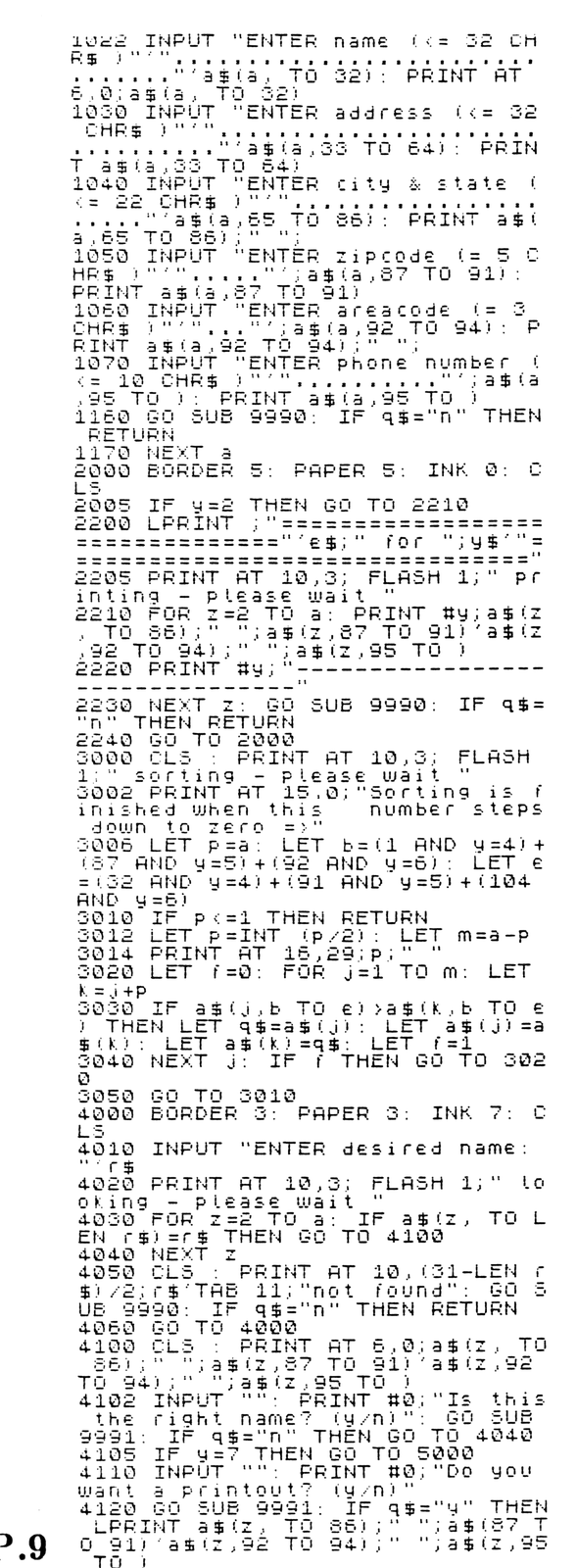
4130 LPRINT "--------------------------------"
4140 GO SUB 9990: IF q$="n" THEN RETURN
4150 GO TO 4000
5000 PRINT #0;"Change the name? (y/n)": PRINT AT 6,0; INVERSE 1;a$(z, TO 32)
5020 GO SUB 9991: IF q$="n" THEN PRINT AT 6,0;a$(z, TO 32): GO TO 5050
5030 INPUT #0;"ENTER new name:"''a$(z, TO 32): PRINT AT 6,0;a$(z, TO 32)
5050 INPUT "": PRINT #0;"Change the address? (y/n)": PRINT AT 7,0; INVERSE 1;a$(z,33 TO 64)
5070 GO SUB 9991: IF q$="n" THEN PRINT AT 7,0;a$(z,33 TO 64): GO TO 5100
5080 INPUT "ENTER new address:"''a$(z,33 TO 64): PRINT AT 7,0;a$(z,33 TO 64)
5100 INPUT "": PRINT #0;"Change the city-state? (y/n)": PRINT AT 8,0; INVERSE 1;a$(z,65 TO 86)
5120 GO SUB 9991: IF q$="n" THEN PRINT AT 8,0;a$(z,65 TO 86): GO TO 5150
5130 INPUT "ENTER new city-state:"''a$(z,65 TO 86): PRINT AT 8,0;a$(z,65 TO 86)
5150 INPUT "": PRINT #0;"Change the zipcode? (y/n)": PRINT AT 8,23; INVERSE 1;a$(z,87 TO 91)
5170 GO SUB 9991: IF q$="n" THEN PRINT AT 8,23;a$(z,87 TO 91): GO TO 5200
5180 INPUT "ENTER new zip code:"''a$(z,87 TO 91): PRINT AT 8,23;a$(z,87 TO 91)
5200 INPUT "": PRINT #0;"Change the areacode? (y/n)": PRINT AT 9,0; INVERSE 1;a$(z,92 TO 94)
5220 GO SUB 9991: IF q$="n" THEN PRINT AT 9,0;a$(z,92 TO 94): GO TO 5250
5230 INPUT "ENTER new area code: ";a$(z,92 TO 94): PRINT AT 9,0;a$(z,92 TO 94)
5250 INPUT "": PRINT #0;"Change the phone number? (y/n)": PRINT AT 9,4; INVERSE 1;a$(z,95 TO )
5270 GO SUB 9991: IF q$="n" THEN PRINT AT 9,4;a$(z,95 TO ): GO TO 5290
5280 INPUT "ENTER new telephone number:"''a$(z,95 TO ): PRINT AT 9,4;a$(z,95 TO )
5290 GO TO 4140
6000 BORDER 2: PAPER 2: INK 7: CLS
6010 INPUT "ENTER name to be deleted:"''r$
6015 PRINT AT 10,4; FLASH 1;" looking - please wait "
6020 FOR z=2 TO a: IF a$(z, TO LEN r$)=r$ THEN GO TO 6050
6030 NEXT z
6040 CLS : PRINT AT 10,(31-LEN r$)/2;r$'TAB 11;"not found": GO SUB 9990: IF q$="n" THEN RETURN
6045 GO TO 6000
6050 CLS : PRINT AT 6,0;a$(z, TO 86);" ";a$(z,87 TO 91)'a$(z,92 TO 94);" ";a$(z,95 TO )
6054 CLS : INPUT "": PRINT #0;"Is this the right name? (y/n)": GO SUB 9991: IF q$="n" THEN GO TO 6030
6056 CLS : PRINT ''"If you continue,"''a$(z, TO 32)''"will be deleted"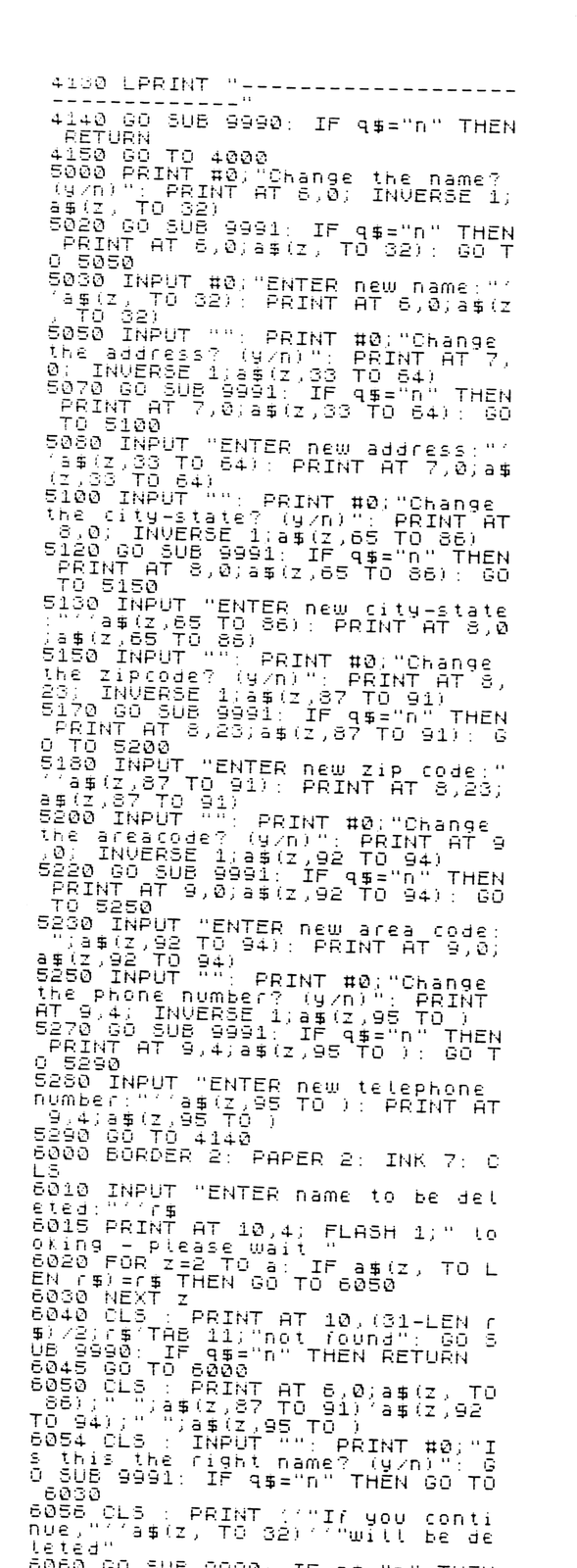
6080 CLS : PRINT AT 10,3; FLASH 1;" deleting - please wait "
6090 FOR z=z TO a: LET a$(z)=a$(z+1): NEXT z: LET a=a-1
6092 GO SUB 9990: IF q$="n" THEN RETURN
6094 GO TO 6000
8800 BORDER 1: PAPER 1: INK 8: CLS
8802 BEEP .5,1: BEEP .5,1: BEEP .5,1
8804 PRINT AT 10,10;"* STOP *";AT 15,0;"To resume, do < GO TO menu >"''"NEVER DO < RUN >!  The file willbe irretrievably destroyed!!"
8810 STOP
9000 BORDER 4: PAPER 4: INK 0: CLS
9002 PRINT "You can datestamp the address   file by putting today's date in-to it.  The date is a string so the format  is not critical.    The string is limited to 12 cha-racters."
9004 PRINT '"To skip the datestamping of the file, just hit <enter> when the date is requested."
9006 INPUT "ENTER today's date (<=12 CHR$ ): "'q$: IF q$="" THEN LET q$="NO DATESTAMP"
9007 LET y$=q$
9008 CLS : PRINT "The address file now has the    name:";TAB 10;e$'"If you change it, the new name  must begin with a letter and    have no more than 8 characters. To leave the name alone just hit<enter> when the name is reques-ted."
9012 INPUT "ENTER file name (omit '.DAT'):"'q$: IF q$="" THEN GO TO 9018
9015 IF q$(1)<"A" OR q$(1)>"z" OR LEN q$>8 THEN GO TO 9012
9016 LET e$=q$
9018 PRINT ''"  SET UP THE DISC FOR WRITING"
9020 GO SUB 9990: IF r$="n" THEN RETURN
9040 CLS : PRINT AT 10,8; FLASH 1;" SAVING ";e$;".DAT"
9045 LET a$(1,14 TO 16)=STR$ am: LET a$(1,17 TO 24)=e$: LET a$(1,2 TO 13)=y$: LET a$(1,25 TO 27)=STR$ a
9050 SAVE *e$+".DAT" DATA a$(): RETURN
9500 BORDER 7: PAPER 7: INK 0: CLS
9510 PRINT "********************************  List of address files (+.DAT) ********************************"
9520 CAT *: INPUT "file name (omit '.DAT')"'e$
9522 CLS : PRINT AT 10,8; FLASH 1;" LOADING ";e$;".DAT"
9530 LOAD *e$+".DAT" DATA a$()
9532 LET a=VAL a$(1,25 TO 27): LET am=VAL a$(1,14 TO 16): LET e$=a$(1,17 TO 24): LET y$=a$(1,2 TO 13)
9534 RETURN
9990 PRINT #0;"PRESS <y> to continue"'"PRESS <n> to return to menu"
9991 PAUSE 0: LET q$=INKEY$: IF q$<>"y" AND q$<>"n" THEN GO TO 9991
9992 INPUT "": RETURN
9999 SAVE *"address" LINE 70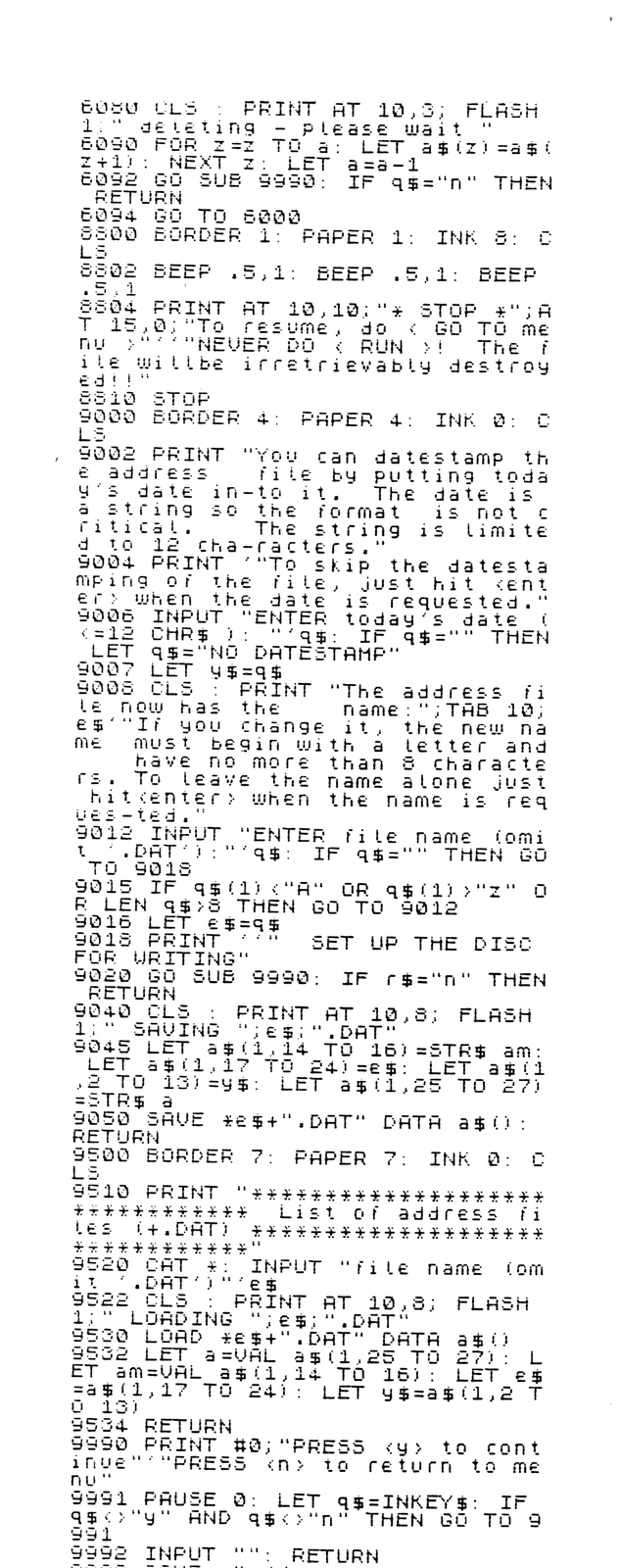
Note: Type-in program listings on this website use ZMAKEBAS notation for graphics characters.