
If you own a full-size dot matrix printer and a Centronics interface, you can now produce full-page graphic screen dumps. You will also be able to faithfully reproduce your color artwork in shades of gray, thanks to Zebra Systems Inc. “ZPRINT-80“.
Zprint-80 is a printer support package for the T/S 2068 and Spectrum computers, which will reproduce full-page gray-scale dumps of color screens. I received an advance copy of this software (version 1.2) to test with my Aerco printer interface and a Mannesmann Tally Spirit-80 printer. This review will be based only on this configuration. I was informed by Zebra that there were a few bugs discovered in this edition and that they were corrected before shipment of any orders. They also stated that if any more problems occur, they will gladly replace any faulty software with a corrected update. If only other software companiew felt this responsibility to their customers! (Note: See insert for the interfaces and printers supported by package)
The cassette contains a Timex version on one side and a Spectrum version on the flip side. I had no trouble loading either side the first time. The program loads in two parts. The first will prompt you for the address to place the driver program (all machine code). It may be placed at either 64000 or 27000. The latter is specifically designed for use with programs such as Zeus Assembler/Disassembler. Instructions are provided in the manual on merging Zprint with Zeus and your own programs. The main code is then loaded. Next you are to choose the brand of printer to be driven and through which interface, width (a max. of 136 characters), and whether a line feed needs to be sent to your printer. The program will then save this “customized” version to tape for future use.
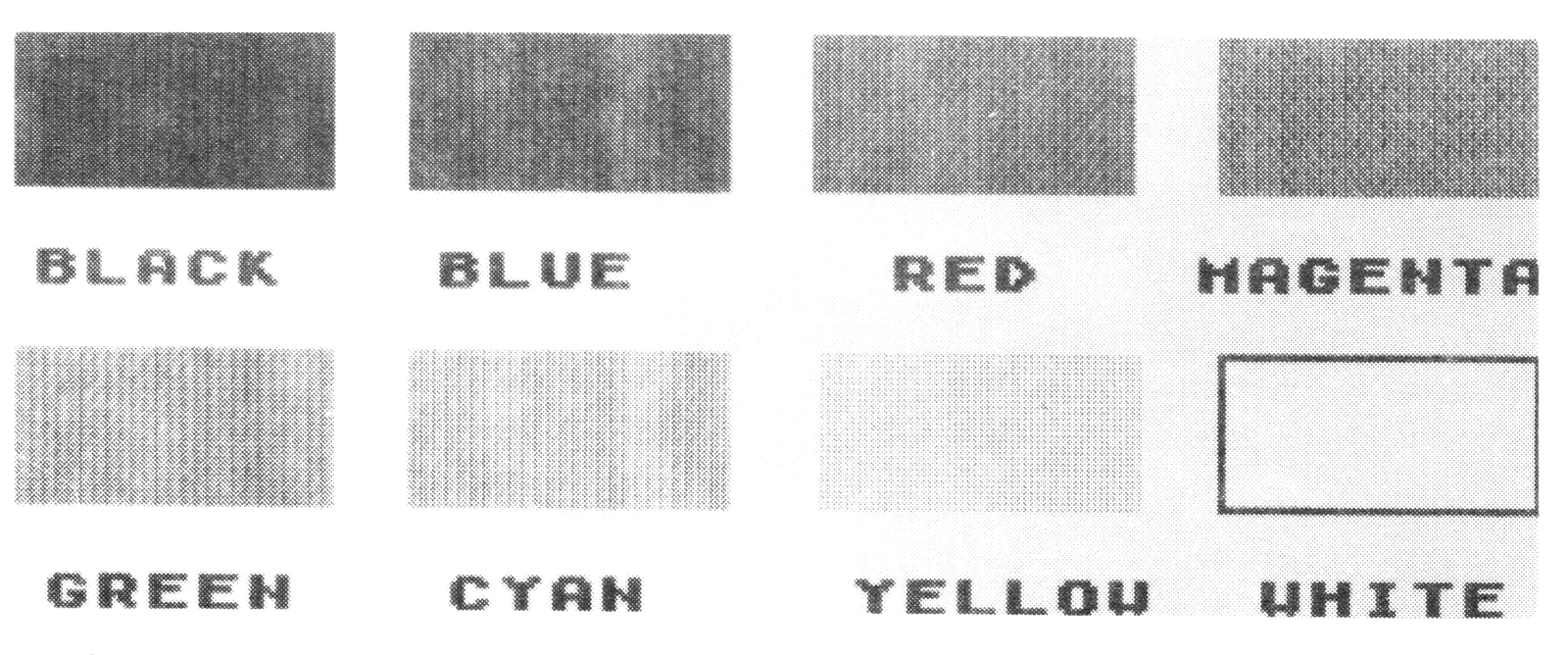
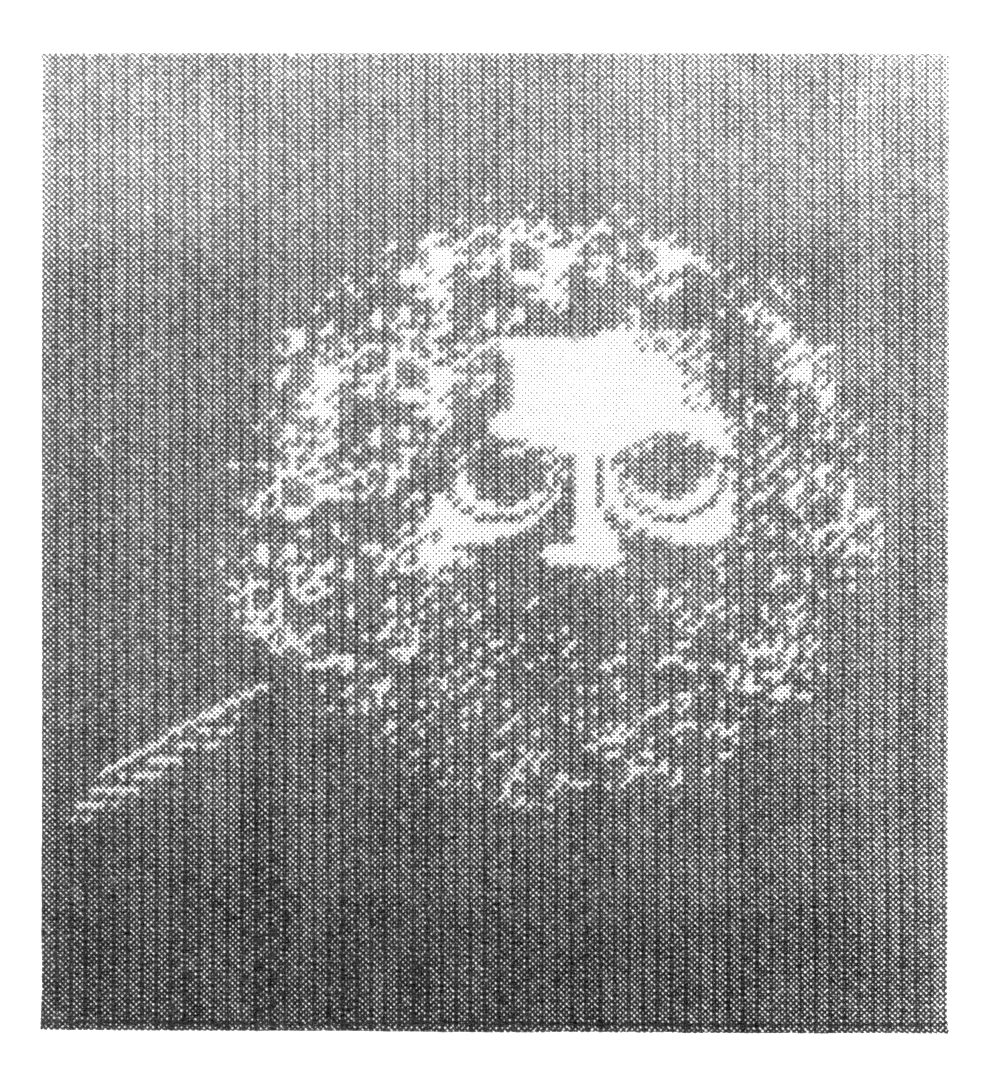
Two types of screen dumps are available through Zprint. Both are accessed by RANDOMIZE USR calls. The printer is put into dual-density graphic mode for these dumps and then reset to power-up state after completion. The first is equal to the copy routine and dumps sent to the T/S 2040 printer. The size is the same and only set pixels (ink) are printed. Normally, this dump is printed in the center of the paper, but any column may be chosen for the left-hand margin. The second will produce a large scale picture on an 8 1/2 x 11 sheet of paper, reproducing all colors, ink or paper, in shades of gray. This program will not produce different shades for BRIGHT (see example). This picture is printed sideways on the paper. In both versions, all 24 lines of the screen are printed. The graduation of color-scale is very good; however, on my Spirit 80 the proportions of the pictures were distorted. The full page picture was stretched out on the sides, and small blank lines were visible between each line of print. I was able to compensate for this by changing the program’s line spacing command. The normal screen dump was compressed length-ways. Again I was able to compensate by changing the size of line spacing in the code. Hopefully, these will be fixed in the new version. (NOTE: Aerco’s copy routine is totally inadequate for graphic dumps. Large blank lines were left between each line. I had to write a machine code patch in order to obtain a decent graphic screen dump. Aerco never responded to my inquiry on how to remedy this problem.) Painting a full-page masterpiece is not quick, but Zebra claims that their’s is faster than Tascopy (Zprint-80 in 5 min. vs. Tascopy’s 9 min.).
Zprint is also a full-size printer driver, supporting both LPRINT and LLIST. (NOTE: Upon loading Zprint, the contents of my first LPRINT was never sent to the printer. Zebra assured me that this problem has been fixed.) I find that Zprint is easier to use and more dependable than the driver I received with my Aerco interface. Zprint works in tandem with the 2040 printer routines contained in ROM. This should allow Zprint to be compatible with more software than some other drivers. I can even use Zprint with Vu-File, if I leave at least 1500 bytes unused in the data file. There is no need to POKE addresses before choosing LLIST or LPRINT when using Zprint. I am embarrassed to tell how many sheets of paper I have wasted with Aerco’s software, because I forgot one precious POKE before attempting a listing. You can easily toggle back and forth between full-size and 2040 printer by RANDOMIZE USR commands. With Zprint, if your printer goes off-line (out of paper, error, dog bit through power cord) Zprint will not fail or break-out into BASIC. Once you have fixed the printer’s problem and switch on line, printing will continue where it left off. Aerco’s software would break into BASIC and at times be unable to continue printing after the printer was brought back up. LLIST’ings produced with Zprint are consistant with the screen and the 2040 printer, if width is set to 32 (this is changed by POKE’ing (base + 12), width: RANDOMIZE USR (base)). Even when my Aerco software was set at 32 characters, my listings still did not correspond with the sceen in spacing.
I feel that Zprint has done an excellent job in cramming so much into a small package (1300 bytes compared to Aerco’s 1111 bytes). If you are looking for a means to make enlarged color graphic screen dumps or an improved printer driver, give Zprint a try. (NOTE: I would like to state, that my recommendation is based on past experience with Zebra and their fast response to problems. Also, that they appear sincere about either, delivering a product that will perform, or gladly refunding your money, if they cannot correct the problem.) You may order a copy from Zebra Systems Inc., 78-06 Jamaica Ave., Woodhaven, NY 11421, (718) 296-2385. Price is $19.95 + $3.00 (standard shipping and handling charge).
ZPRINT-80 SUPPORTED INTERFACES & PRINTERS
Interfaces

   Aerco
   Tasman-B
   Tasman-C
   A & J

Printers

   Gemini 10X
   Gemini SG10
   Memotech DMX80
   Panasonic 1090/1091
   Epson RX/FX
   Mannesmann Tally Spirit-80
   Prowriter 8510