
Authors
Publication
Pub Details
Date
Pages
Have you been looking for a way to do screen displays easier than figuring the PLOT and DRAW positions? This may be the way to accomplish the task. The ZEBRA GRAPHICS TABLET is the same one that you may have seen for other computers (also known as the KoalaPad). The system for the Timex/Sinclair 2068 comes with a software program on cassette called “ZPAINT“, and a small interface with two RS-232 type (DIN) sockets.
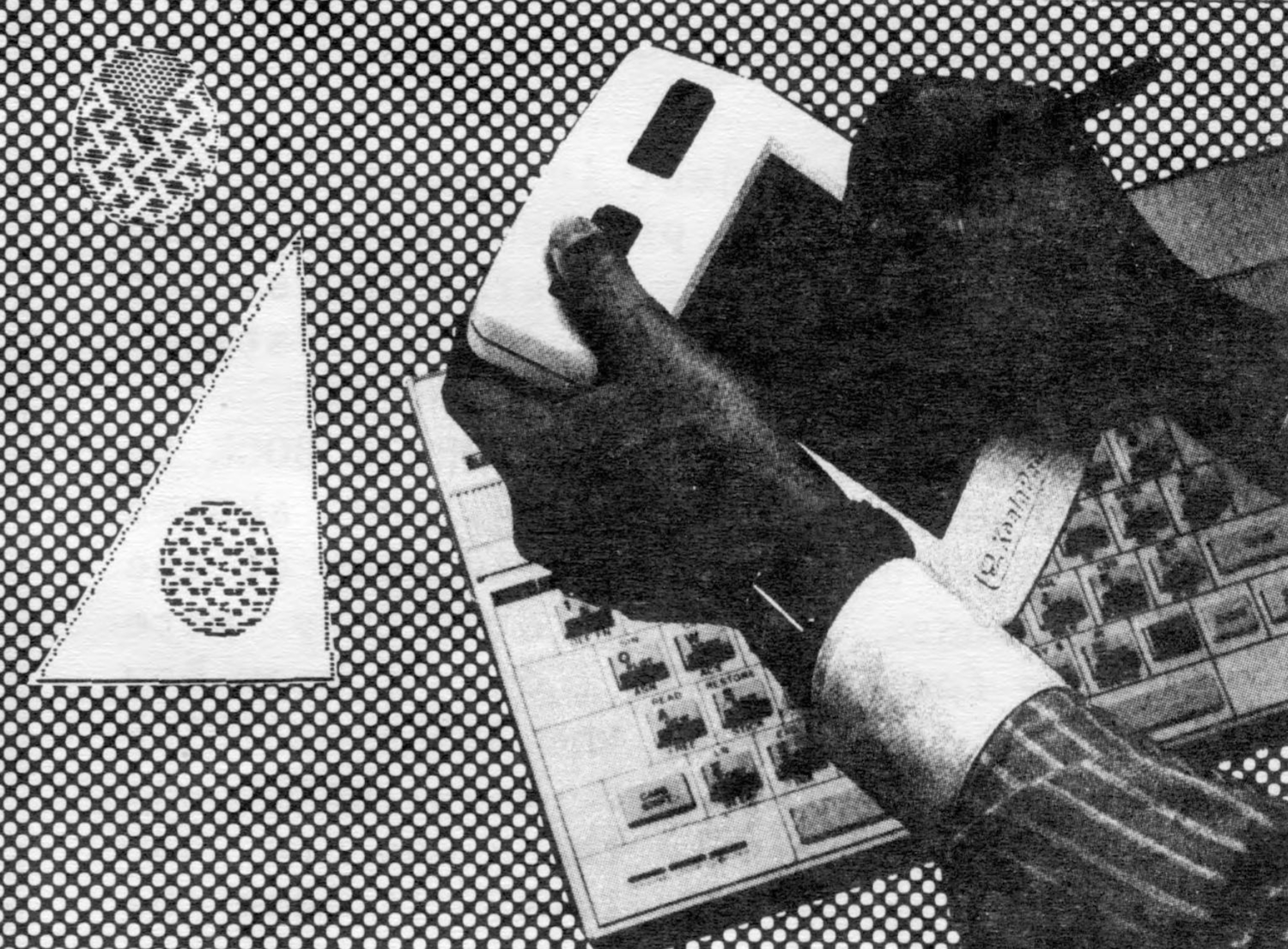
The ZPAINT program allows you to draw pictures using a pen type (narrow one-pixel width) stroke, or a brush type (wide width) stroke. The basic 2068 colors can be used to draw the border and then to “draw” in color. CIRCLE is used by selecting that option and placing the cursor (with the use of the supplied stylus) at the location of the center of the circle, and pressing one of the buttons on top of the Graphics Tablet. Then by placing the cursor at the location of the circumference of the circle and pressing the button a second time, the circle will be drawn automatically. The “pen”, and to a certain extent, the “brush” option, put extraneous pixels or “marks” on the screen. However, these can be cleaned up by selecting the white color and redrawing over the marks.
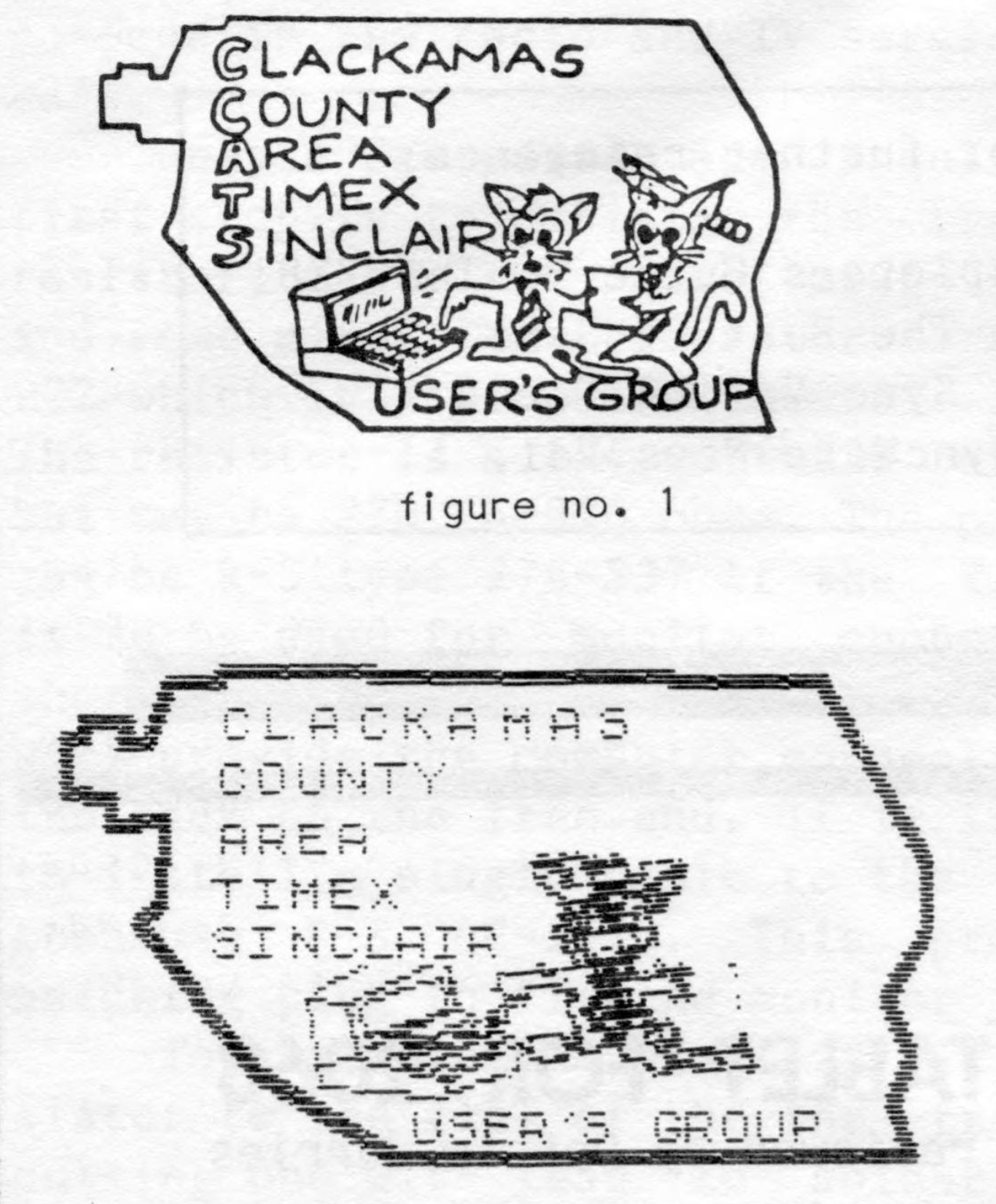
I also had the opportunity to use the “TECH DRAW” and and “CIRCUS COLORING BOOK” software programs (supplied as a free bonus with Graphics Tablet purchase). Although the TECH DRAW program only draws in black and white, it has many more features than ZPAINT. There are six separate menus, one for drawing, one for brush selection (sixteen possible types), one for shading (thirtyfive possible patterns), a Text menu, a Line menu, and an I/O menu (to select printer type, LOAD or SAVE screen). This program is fantastic, but has the erroneous mark problems that ZPAINT has… and must be corrected the same way. See the attached figures. Figure number one is the emblem of the Clackamas County Area Timex/Sinclair User’s Group. The next figure (no. 2) shows an attempt (incomplete) at tracing the same emblem in a larger size. No corrections were made. You can see that the fine brush size made more erroneous marks. These marks can be cleaned up, and I believe that with more practice and experience with the Graphics Tablet (and TECH DRAW), great improvements in the figures that are drawn can be made.
The CIRCUS COLORING BOOK software has several screen pictures dealing with the circus in it. The object is to color in the pictures. This program could keep young children busy for several hours, but outside of that, I can find no pratical use for it.
I took TECH DRAW and COLORING BOOK to the last User’s Group meeting, and showed two kids aged between 8 and 12 some of the basic commands. Two hours later they were showing me features that I didn’t know how to use yet! All in all, the ZEBRA GRAPHICS TABLET and TECH DRAW are excellent, and can be of great help to those who are using a lot of screen displays. It can be fun too.
The Graphics Tablet is available from Zebra Systems, Inc., 78-06 Jamaica Ave., Woodhaven, NY 11421. Phone (718) 296- 2385. Price is $89.95 and with each purchase, a free TECH-DRAW software cassette is included.