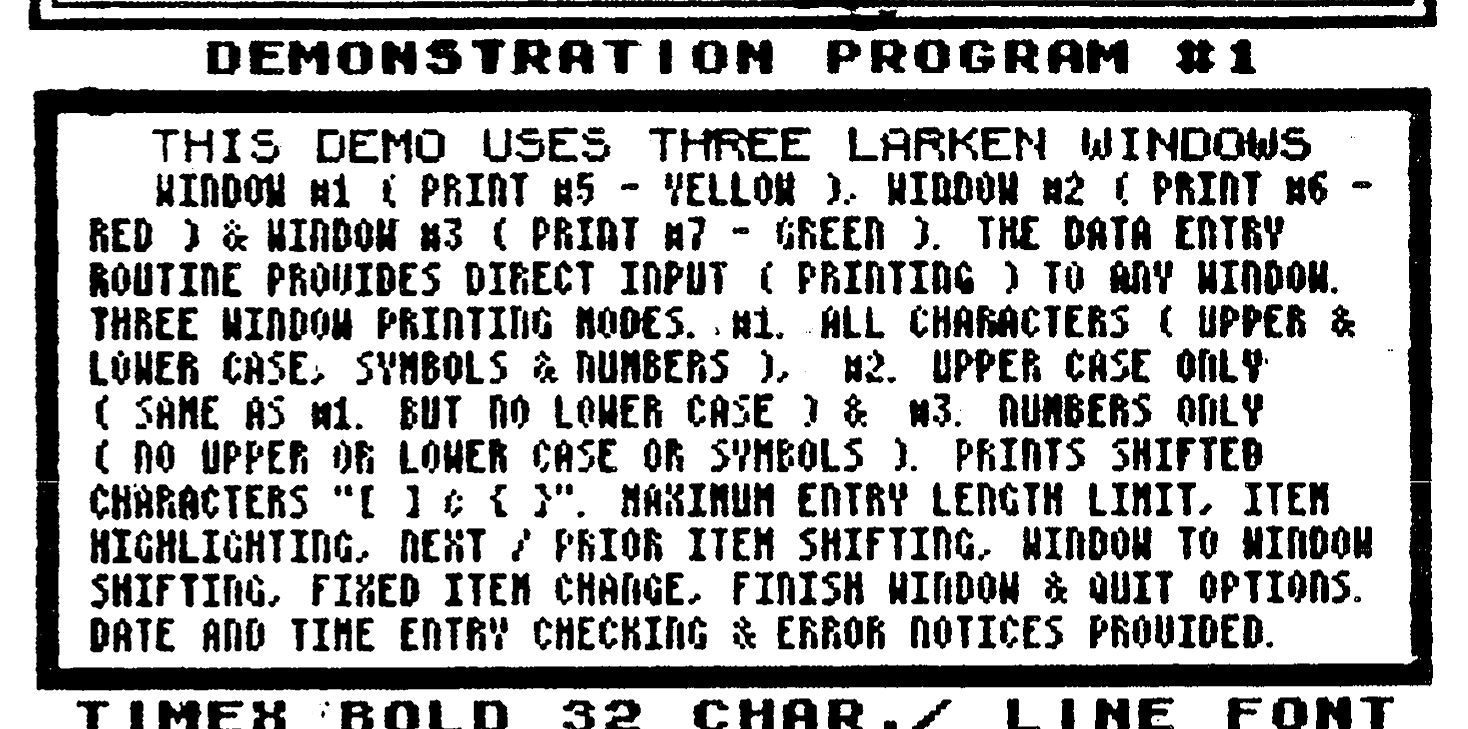
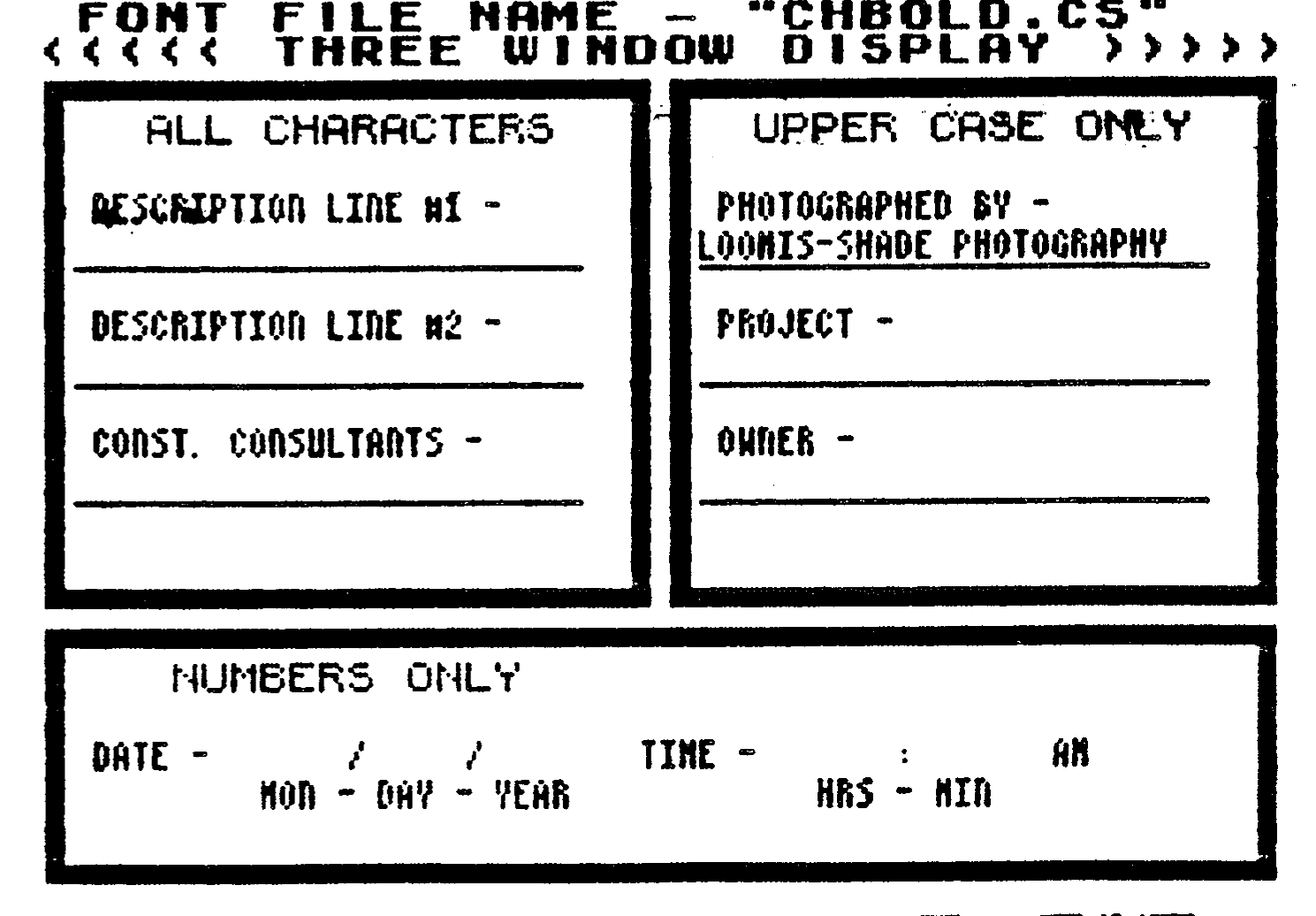
Here is a more recent and sophisticated general purpose LarKen extended BASIC demo which I developed for my LABELMAKER II program upgrade project. To facilitate your running all these new demos, I have eliminated the usual DELETE/MERGE operations and SAVEd the demo implementation routines along with the core subroutines. The fonts used by this demo are new and improved as well. There are two look alike three windows screen display demos. The three windows screen display format of these new demos resembles that of the FILMRECORDER demo, I wrote a few years ago. The first of these two demos is a real three LarKen window demo, each window is set to the size of the screen display section. The second is a pseudo three window demo, this demo uses one window for the whole screen display which includes all three sections of the screen displays. Each of the sections (windows) is a different color, has borders, fixed underlines and titles etc. Each demo has direct data entry. Each screen position where there is an item requiring data entry is highlighted one item at a time sequentially. When the user moves the highlighted bar to the item and presses the ‘E’ key the bar is removed and a cursor is provided so that data entry can commence. The two PRINT #0 lines are used to provide window handling or data entry options menus. The new menu options that provide for these improved data entry operations are the following:
1. Shift Window to Window
2. Shift Next/Prior item
3. Change item (select from a set of fixed constants)
4. ENTER Data (start data entry at the highlighted bar)
5. Finish (to conclude data entry per file unit)
6. Quit (goto the main options menu).
The real difference between the two demos is the typing speed. More than half the data entry routine is in MC. I first tried to compile the complete data entry routine, but the LarKen extended BASIC functions refused to work properly after they were compiled. The end product is a data entry routine that is part in MC and part in BASIC. It is the part of the data entry routine that is in BASIC, the extended BASIC functions, that makes the difference in typing speed. The first demo’s maximum typing speed is slow, only slightly better than PRO/FILE, while the second demo’s typing speed is first rate. The better typing speed of the second demo is due to the shortening of the extended BASIC data entry routine due to the removal of all the lines for printing to two additional windows. The second demo’s care of subroutines is also shortened by the elimination of all the extended BASIC lines used for window #0 (PRINT #5) and window #1 (PRINT #6). The core routines line numbers for the remaining lines are the same, so the programmer can use the same catalog of core routines lines listings. The MC part of the data entry routine is the same for both the real and pseudo three window demos. This new and improved data entry routine provides for three modes of data entry. These modes are:
1. All Characters, pressing “CS +2” key alternately shifts the cursor from “C” to “L”.
2. Capitals Only
3. Numbers Only