
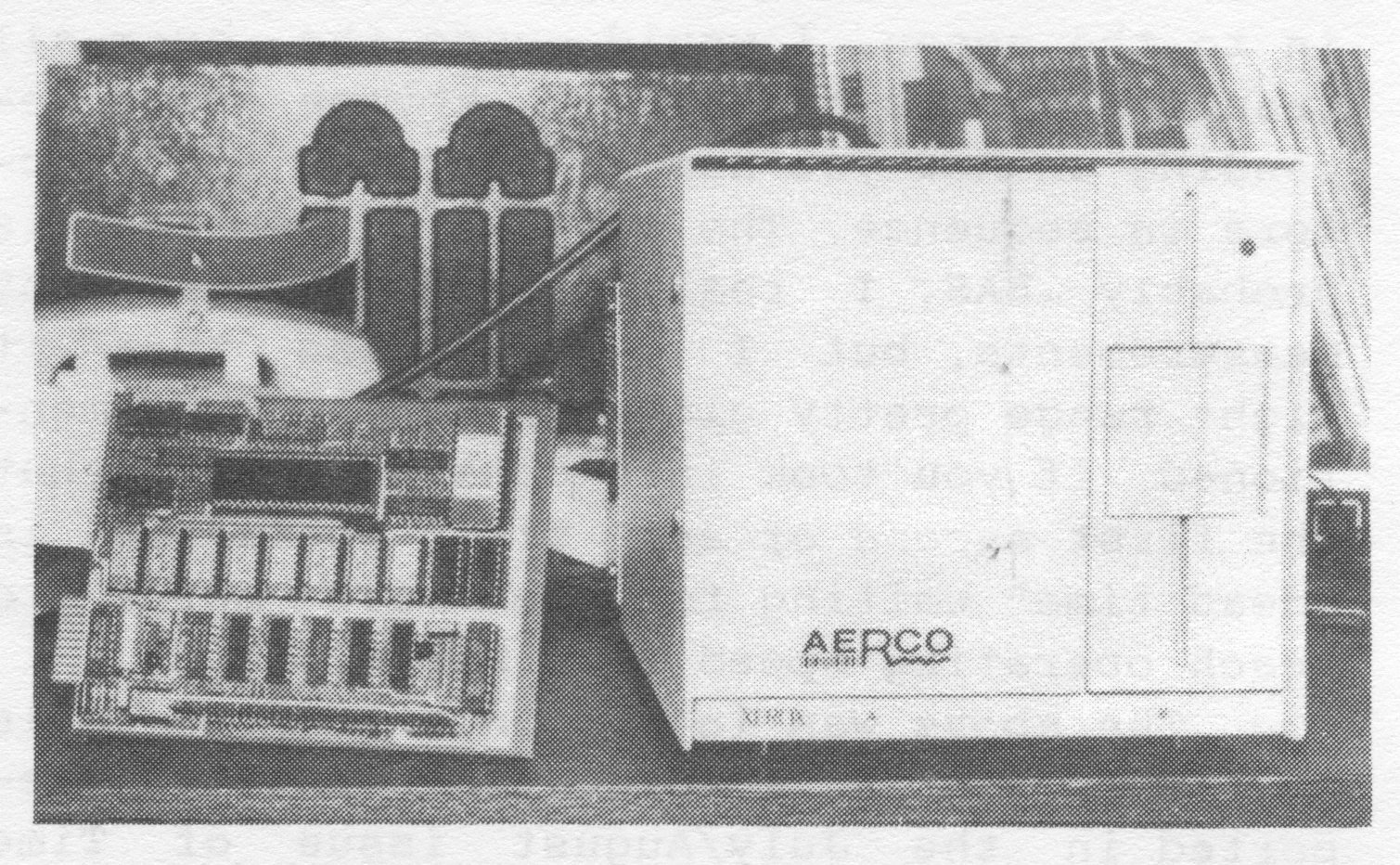
So far, Aerco has upgraded their EPROM to version .87. Only two features are not included at this date. They are the .CHR (Character Array) and the .DAT (Numeric Array). This means that you can’t save and load string type data. Aerco is concentrating on their CP/M system at this time… rather than in completing their interface. They have released a new operating instruction booklet of 26 pages, which contains schematics, general information, and information on how to increase the bank switching capabilities to 256k. An improved booklet is still needed to show how to use the bank switching and .ARO functions. The [new] booklet also has some wrong information in it, concerning the requirement of saving the DOS program to each disc you use. I have found that that is not necessary.
First let’s review the commands that are required to operate the various options of the disc drive…
FORMAT "", . . . used to record track and sector headers on
                 a new disc.
MOVE "n.x",. . . to save programs to disc.

CAT "n.x", . . . to load programs from disc to the computer

ERASE "n.x", . . to erase a program from the disc.

CAT "",  . . . . to look at the disc catalog menu.

   n = the name of the program (1 to 10 letters and/or
       numbers)
   x = extension as follows:

.ARO . . . . refers to the DOCK BANK starting at 8000 Hex or
             32768 Decimel
.BAS . . . . refers to the basic program saved or loaded from
             disc. An optional decimel number can be included -
             the starting line number ie. MOVE "fun.BAS",9810
.BIN . . . . refers to the macine code program saved or loaded
             from disc. ie. MOVE "fun2.BIN",56000,3010 It is
             in the same way as you would save and load from
             tape. ie. CAT "fun2.BIN", or CAT "fun2.BIN",40000
.BUT . . . . refers to the system boot program and can be trans-
             fered to disc if desired.
.SCR . . . . copies the screen display to disc and reloads it
             when required. (Similar to Screen$)
.VAR . . . . saves and loads all the basic variables without
             affecting the basic program. Should allow manipu-
             lation of the variables.
.LRO . . . . runs in DOCK BANK starting at 0
.DAT . . . . refers to numeric arrays. Similar to DATA in Basic
             and not available at this time.
.CHR . . . . refers to character arrays. Used in saving and
             loading string data as in CHR $. Not available at
             this time.
To make a BASIC program “auto-run” from disc as soon as the computer is turned on, call the name of the program BOOT and store it on as the first program of the disc (i.e. MOVE “boot.BAS”,1 instead of MOVE “tasword, BAS”,1). I have not to this date, been able to get the bank switching to work with the .LRO extension nor have I gotten anything out of the .VAR extension. If at sometime the disc system fails to work, type OUT 244,1.
One difficulty that we in our Users Group have found is that the disc drive IF will not work in conjunction with the A & J Microdrive. This is because both use Bit 5 of the I/O space to select the board. Aerco will modify their board to use Bit 4 instead if you wish.
The following is a reprint from a letter written to me from Jerry Chamkis of Aerco concerning disc drive speeds:
“All disk interfaces that use a real disk controller (which is everybody except Compusa, Apple, Atari, and Commodore) transfer data to/from the disk at 250k bits/sec. This is not actually 32k bytes/sec as Ramex International claims, because not all of the disk bits are data bytes. About 20% of them are header information (where you are on the disk), CRC Data (= Cyclic Redundancy Check or error detection), and various house-keeping information the controller needs. So the fastest you can get the bytes into the system is maybe 25k/sec. +/- maybe 15% depending on how many sectors/track (lots of sectors = lots of headers). Now the question arises, what are you going to do with those bytes and how fast? In our system (AERCO), the fastest mode is .SCR. In that case, the first 2/3 of a screen are filled directly from the disk, then a 6Ms. interval to step to the next track, perhaps 1-50 Ms. to find the next header, the rest of the screen moved to non-screen RAM and then block-moved in to the sceen. I would guess the over-all transfer ranges from 10-20 kbytes/sec. depending on how you happen to catch the sectors in sequence. The slowest extension is probably .BAS. I really haven’t done any measurements, but I would guess that it might range pretty close to what you mentioned, if you took into consideration that the first second of any disk operation is “dead time” waiting for the drive motor to reach operating speed (300 R.P.M.).”
The above was in response to [the table of] searching and loading times that I reported in the July/August issue of Time Designs Magazine.
You may be interested in looking in the COMPUTER SHOPPER magazine for your own disc drives and cases [if you are considering the Aerco interface]. They seem to list some of the best prices around. The Aerco FD-68 Disc Drive System is available from: AERCO, Box 18093, Austin, TX, 78760. Cost: for interface alone is $199.00, for the complete unit (interface board, single drive, case and power supply) is $400. I will report in upcoming issues of Time Designs on any further improvements to the disc drive interface.